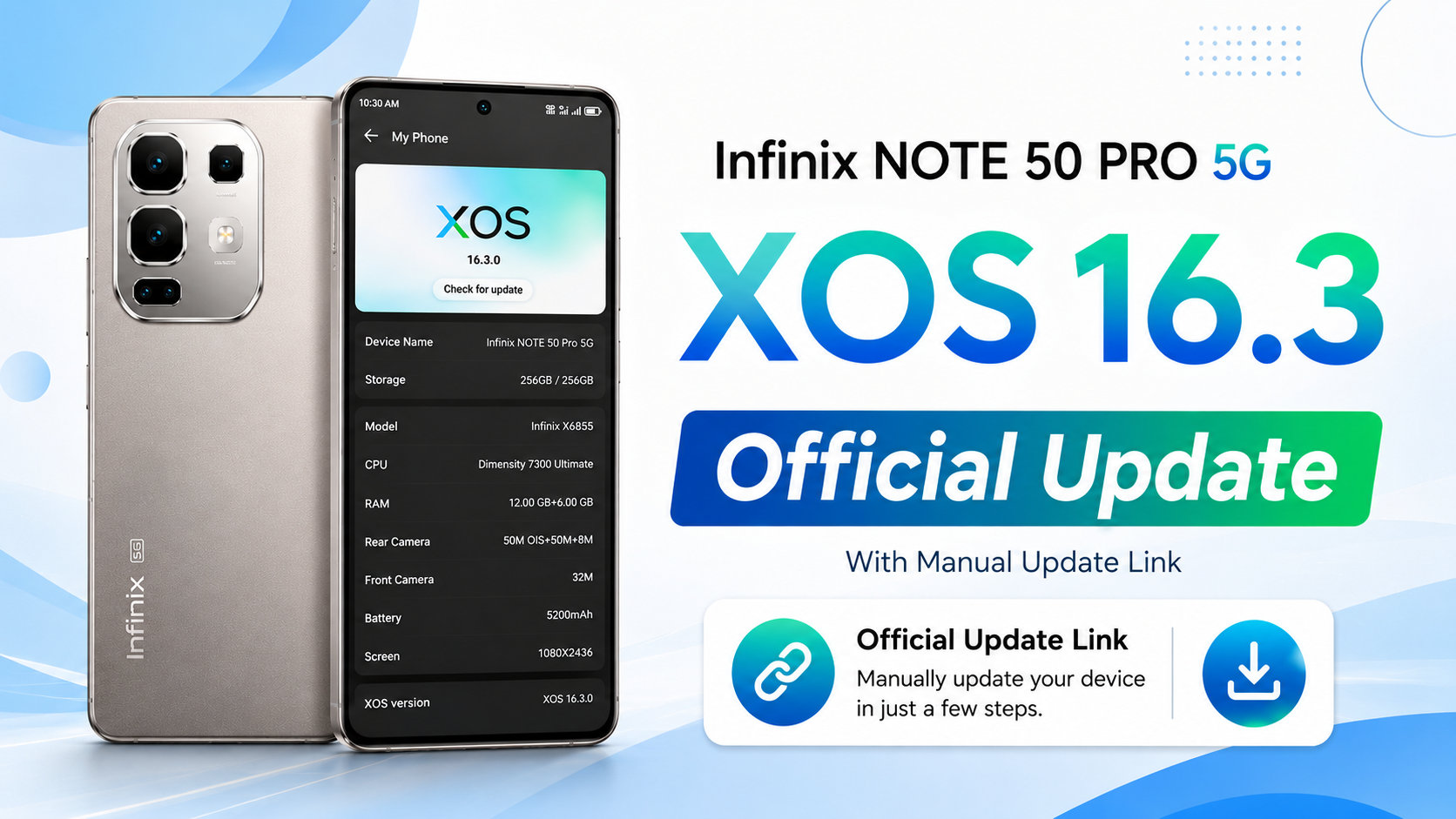
The Infinix Note 50 Pro 5G has officially started receiving the XOS 16.2 update based on Android 16. This is one of the biggest software updates for the device, bringing a refreshed design, improved security, better AI features, smoother animations, enhanced gaming performance, network optimizations, and several useful daily-life improvements.
- Android 16 and XOS 16.2 Bring a Fresh New Experience
- Home Screen and Wallpaper Experience Gets Better
- Cleaner Notifications and Improved Control Center
- A More Personalized Lock Screen
- Improved Device Management and Better Privacy
- Stronger Network Performance
- Gaming Performance Receives Major Improvements
- Dynamic Bar Becomes More Useful
- Smarter AI Features Across the System
- Camera Gets a Fresh New Look
- Better Stability and Performance
- Final Thoughts
The latest update comes with firmware version X6870-16.2.0.135SP22(IN007PF001H2). Before installing the update, Infinix recommends keeping your phone’s battery level above 50% to ensure the installation completes without interruption.
XOS 16.2 File downloadAndroid 16 and XOS 16.2 Bring a Fresh New Experience
With this update, the Infinix Note 50 Pro 5G moves from Android 15 to Android 16, giving users better security, improved privacy, new Android features, and a smoother overall experience. Along with Android 16, the phone is also upgraded from XOS 15.1.2 to XOS 16.2.0, introducing a refreshed interface that looks cleaner and more modern while maintaining smooth performance during everyday use.
Users will immediately notice that animations feel more fluid, transitions are smoother, and the overall software experience feels faster and more polished.
Home Screen and Wallpaper Experience Gets Better
The home screen now offers more personalization than ever before. Users can enable the new Depth-Effect Home Screen, allowing portrait wallpapers and supported built-in wallpapers to create a layered visual effect that gives the display a premium appearance.
The update also supports setting Live Photos as live wallpapers, bringing favorite memories to life directly on the home screen. Another useful addition is the ability to automatically generate a complete theme based on the colors and style of an uploaded wallpaper, making customization much easier.
Managing apps is also more convenient. The phone now shows app download and update progress directly on application icons, automatically suggests folder names while grouping apps, introduces a Featured section inside the Widget Center, and adds a new One-Tap Lock Screen widget for quickly locking the device.
Cleaner Notifications and Improved Control Center
The Notification Center and Control Center have received a complete visual refresh with smoother animations and a modern design. Opening these panels now feels much more responsive thanks to improved transition effects.
Notifications are now grouped in a cleaner way, reducing clutter while making them easier to expand with a single tap. Users can also manage grouped notifications more effectively through the notification settings. Even expanding Wi-Fi or Mobile Data controls now includes smoother animations that improve the overall user experience.
A More Personalized Lock Screen
The lock screen receives several noticeable improvements in this update. A brand-new large glass-inspired clock design has been introduced with more fonts and color customization options.
The system can automatically recognize the main subject in wallpapers to create an attractive depth effect, making the lock screen feel more immersive. Users can also customize clocks, wallpapers, depth effects, and other visual elements to create a unique lock screen style.
Always-On Display has also been improved by supporting custom system styles or continuing the same appearance from the lock screen, creating a smooth transition between both screens.
Improved Device Management and Better Privacy
The updated Joy Connect feature now works as a smarter device management hub, allowing connected devices and supported services to work together more efficiently for a better smart-device experience.
Security and privacy have also been improved. The Dual System feature now offers a better overall experience and supports transferring apps between the two systems, making it easier to separate work and personal environments.
Stronger Network Performance
The XOS 16.2 update brings several network improvements that are especially useful in weak signal areas. The system can intelligently recognize activities like video calls, voice calls, online shopping, ride-hailing, and delivery services to optimize network performance whenever the signal becomes weak.
Call quality and mobile data stability have also been improved. Users may notice faster recovery when leaving elevators because the phone quickly switches back from 2G or 3G to 4G. In addition, hotspot usage has been optimized to reduce heating when the device is inside a pocket.
Gaming Performance Receives Major Improvements
Gamers will benefit from several new features included in this update. A new Esports Mode provides a more immersive gaming experience, while AI voice prompts and intelligent triggers offer helpful game assistance and support customized image recognition for automated actions.
The update also adds ten new voice changer effects along with additional voice packs for supported regions. Players of Genshin Impact and Mobile Legends: Bang Bang can now enjoy improved haptic feedback for selected character skills.
Network detection during gaming has also been improved, and the system can identify the optimal Wi-Fi angle for better connectivity. Charging while gaming, livestreaming, or navigating has also been optimized to reduce heat while maintaining smooth performance.
Dynamic Bar Becomes More Useful
Dynamic Bar now provides real-time reminders for travel, food delivery, and other important activities. It also supports quick access to useful services such as Flashlight and file transfers.
AI-powered suggestions now appear when copying text and can recommend useful actions based on different situations like document downloads or screenshots. When multiple services are active, Dynamic Bar displays them using waterfall cards, making it easier to monitor everything at once.
Smarter AI Features Across the System
The AI experience has received a major upgrade in XOS 16.2. AI Search now offers trending tips for new users while supporting fuzzy search, smart auto-completion, cross-language search, and natural language understanding for faster results.
AI Suggestions now include localized services, system recommendations, and lifestyle cards while also providing smoother animations for a more natural experience.
One of the most useful additions is AI Notes, which can intelligently analyze YouTube videos, extract important information, and generate concise notes automatically. This makes learning from educational videos much easier without manually writing every detail.
Students will also appreciate AI Class Timetable, which allows users to upload or capture a timetable image. The system automatically recognizes the schedule and creates a digital class timetable with reminders for upcoming classes.
AI Writing has also become more powerful. Users can generate content using custom prompts, improve existing text, create professional emails with Email Assistant, receive intelligent reply suggestions, and proofread documents using clear visual editing indicators. AI Writing is now directly accessible from the keyboard toolbar, making it easier to use anytime.
Camera Gets a Fresh New Look
The Camera application has been updated with a completely redesigned interface and improved interactions. The new layout feels cleaner, making it easier to switch between different shooting modes while providing a more modern photography experience.
Better Stability and Performance
Along with introducing new features, the XOS 16.2 update also improves system stability and overall performance. Various bugs have been fixed to make the phone more reliable during daily use, resulting in smoother animations, better responsiveness, improved battery optimization, and a more stable software experience.
Final Thoughts
The XOS 16.2 update for the Infinix Note 50 Pro 5G is much more than a regular software update. It upgrades the phone to Android 16, refreshes the overall interface, introduces useful AI features, improves gaming performance, strengthens network connectivity, enhances personalization, and makes the device smoother in everyday use.
If you own the Infinix Note 50 Pro 5G, this update is highly recommended. Before starting the installation, make sure your battery is above 50% and connect to a stable Wi-Fi network for the best update experience. Once installed, your smartphone will feel faster, smarter, and more enjoyable to use every day.