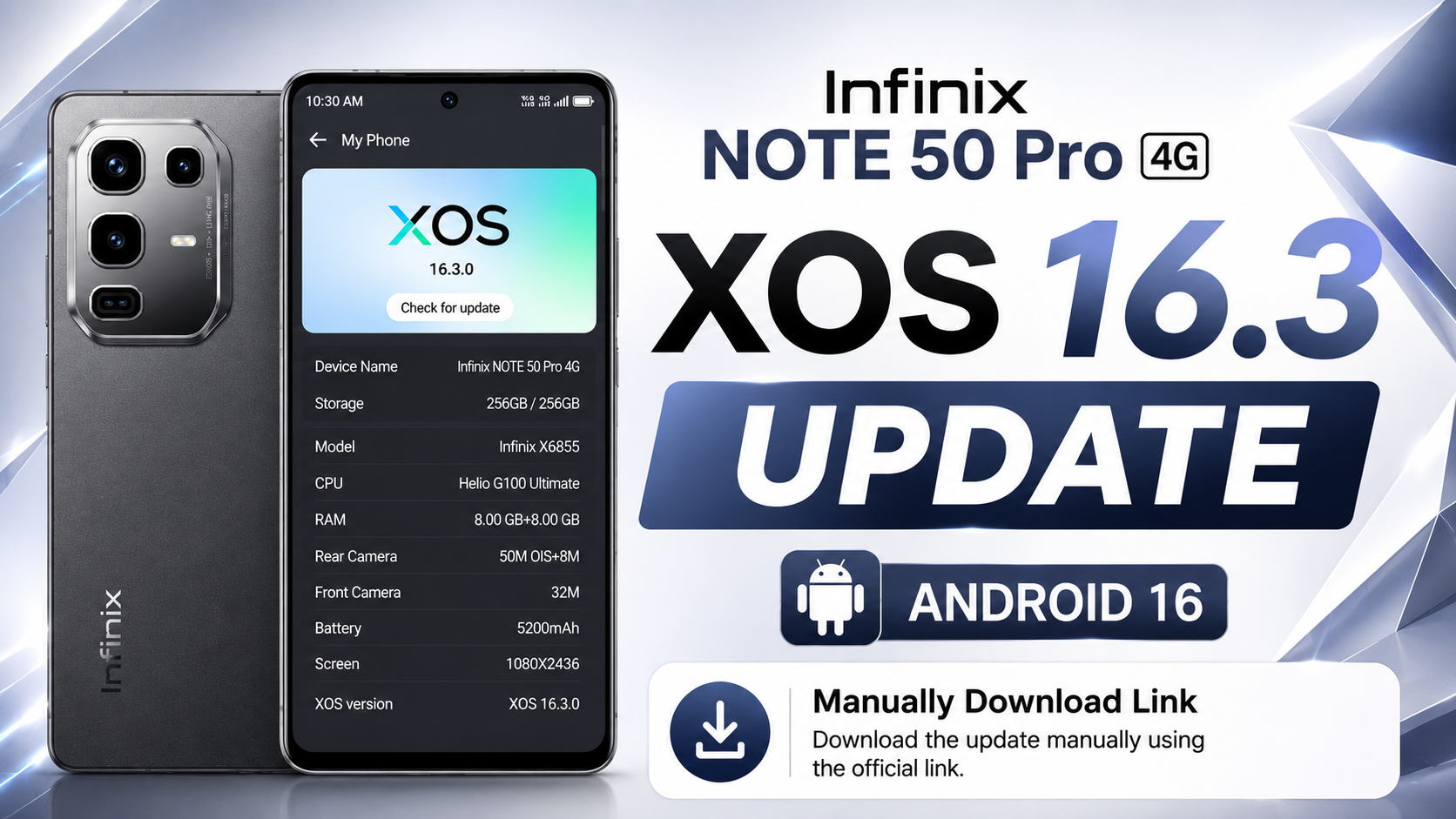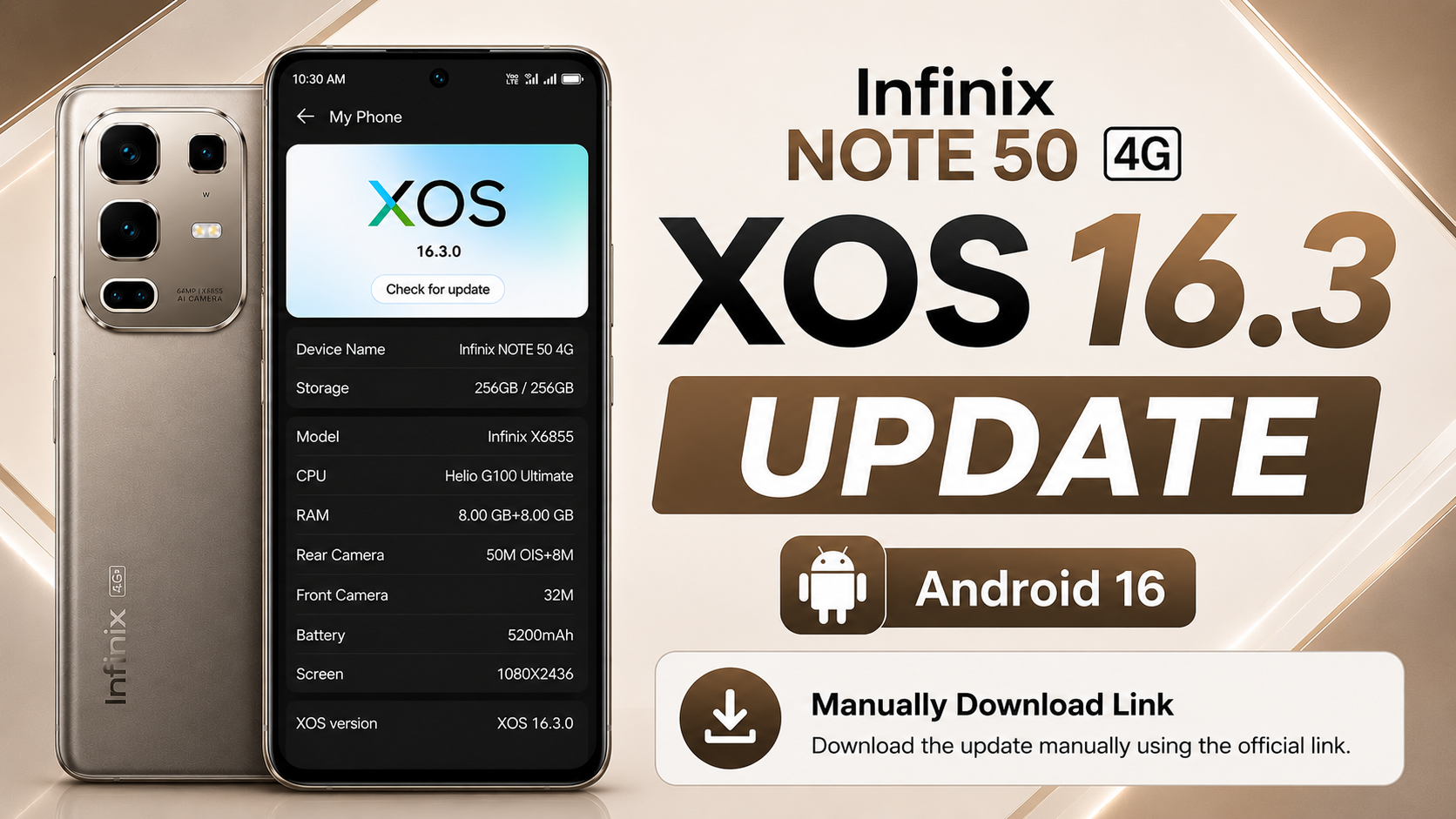
If you own the Infinix NOTE 50 4G, there’s great news for you. Infinix has officially started rolling out the Android 16-based XOS 16.2 update for global users. This major software upgrade takes the device from Android 15 with XOS 15 to Android 16 with XOS 16.2.0, bringing a refreshed interface, smarter AI features, improved camera experience, enhanced security, smoother animations, and better overall performance.
This is one of the biggest OTA software updates released for the Infinix NOTE 50 4G. In this article, we’ll cover everything about the Infinix NOTE 50 4G Android 16 Update, including update information, new features, complete changelog, installation steps, official OTA download link, and whether you should install the update.
Table of Contents
Infinix NOTE 50 4G OTA Update Information
| Details | Information |
|---|---|
| Device | Infinix NOTE 50 4G (Global) |
| Android Version | Android 16 |
| XOS Version | XOS 16.2.0 |
| Previous Version | Android 15 (XOS 15) |
| Build Number | X6858-16.2.0.135SP22 (OP010PF001AZ) |
| Update Size | 8869.9 MB |
| Incremental Version | 201350025 |
| Android Security Patch | April 1, 2026 |
| Build Date | May 14, 2026 |
| Fingerprint | Infinix/X6858-OP/Infinix-X6858:16/BP2A.250605.031.A3/201350025:user/release-keys |
Infinix NOTE 50 4G XOS 16 Update Features
Android 16 Upgrade
The latest software upgrades the device from Android 15 to Android 16, providing improved security, new Android features, better system stability, and an overall smoother user experience.
New XOS 16.2 Interface
The phone is upgraded from XOS 15 to XOS 16.2.0, introducing a cleaner design, refreshed animations, smoother navigation, and a more modern user interface that makes everyday use more enjoyable.
Camera Improvements
The Camera application has received several improvements in this update. The interface has been redesigned to provide a cleaner and more user-friendly experience. Infinix has also optimized AIGC Portrait Templates, allowing users to create better AI-generated portrait images with improved quality.
Smarter Folax AI Assistant
Folax has been completely upgraded to deliver a richer AI experience. The assistant now comes with a redesigned interface that offers a cleaner layout, smoother navigation, and more intuitive controls.
Several new AI tools have also been introduced, including:
- FlashMemo
- MindHub
- Image Style Transfer
- Document Scanner
These features help improve productivity and simplify everyday tasks. Additional language support has also been added for smoother communication. Some features may vary depending on your device model and software version.
Improved AI Suggestions
AI Suggestions has become much smarter in XOS 16.2. The update introduces localized service cards, system cards, and lifestyle recommendations that provide more personalized suggestions based on your daily usage.
Transition animations have also been optimized, making interactions feel smoother and more natural throughout the system.
AI Notes Enhancements
AI Notes receives a major upgrade in Android 16. Users can now analyze YouTube videos intelligently, allowing the system to extract important information and generate concise notes automatically. This makes studying, research, and content review much more convenient.
Additional AI Notes improvements are also included to provide a faster and smarter note-taking experience.
Better Performance & Stability
Besides introducing new features, Infinix has optimized overall system performance. The update improves system stability, enhances animation smoothness, reduces lag, and fixes several known bugs to provide a faster and more reliable experience.
Security Improvements
The update includes the April 2026 Android Security Patch, helping protect the device against the latest security vulnerabilities while improving overall system protection and reliability.
Infinix NOTE 50 4G XOS 16 Update Download
Download the latest Infinix NOTE 50 4G Android 16 Local Update based on XOS 16.2.0 for the Global variant.
This update upgrades your device from Android 15 (XOS 15) to Android 16 (XOS 16.2.0) and includes the April 2026 Android Security Patch, a refreshed interface, smarter AI features, camera improvements, better security, and enhanced overall performance.
Note: This update package is shared for educational and informational purposes only. I am not responsible for any software issues, data loss, or device damage that may occur during or after installation.
I always recommend waiting for the official OTA update because it is the safest way to update your device. If you choose to install the local update manually, make sure you download the correct firmware for your exact device model and carefully follow the installation process.
How to Install the Infinix NOTE 50 4G XOS 16 Local Update
Installing the Android 16 update manually is simple. Before starting, make sure your phone has at least 50% battery, sufficient free storage, and that you have backed up all important data.
Step 1: Download the Official Update File
Download the official Android 16 OTA ZIP package for your device. Do not rename or extract the ZIP file.
Step 2: Move the ZIP File
Copy the downloaded update package to your phone’s Internal Storage (Root Directory) using File Manager.
Step 3: Enable Developer Options
Go to Settings → My Phone and tap the Build Number several times until Developer Options are enabled.
Step 4: Open Developer Options
Navigate to Settings → System → Developer Options and locate the Local Update option.
Step 5: Install the Update
Tap Local Update, select the downloaded OTA ZIP package, and confirm the installation. The device will verify the update package before beginning installation.
Step 6: Wait for the Installation
The installation usually takes around 10–20 minutes. Keep your battery above 50% and avoid restarting or powering off the device during the update.
Step 7: Verify the Update
After installation is complete, your phone will reboot automatically. Open Settings → My Phone to confirm that your device is now running Android 16 with XOS 16.2.0.
Note: The Local Update option is available through Developer Options on Android 15 (XOS 15). Always install the official firmware intended for your exact device model.
Conclusion
The Infinix NOTE 50 4G XOS 16 Update is one of the biggest software upgrades released for the device. It introduces Android 16, a refreshed XOS 16.2 interface, upgraded Folax AI, smarter AI Suggestions, improved AI Notes, camera enhancements, better security, smoother animations, and improved overall system performance.
If the update is available on your device, it is recommended to install it through the official OTA method. Before updating, ensure your battery is sufficiently charged and your important data is backed up. Once installed, you’ll enjoy a faster, smarter, and more reliable experience on your Infinix NOTE 50 4G.