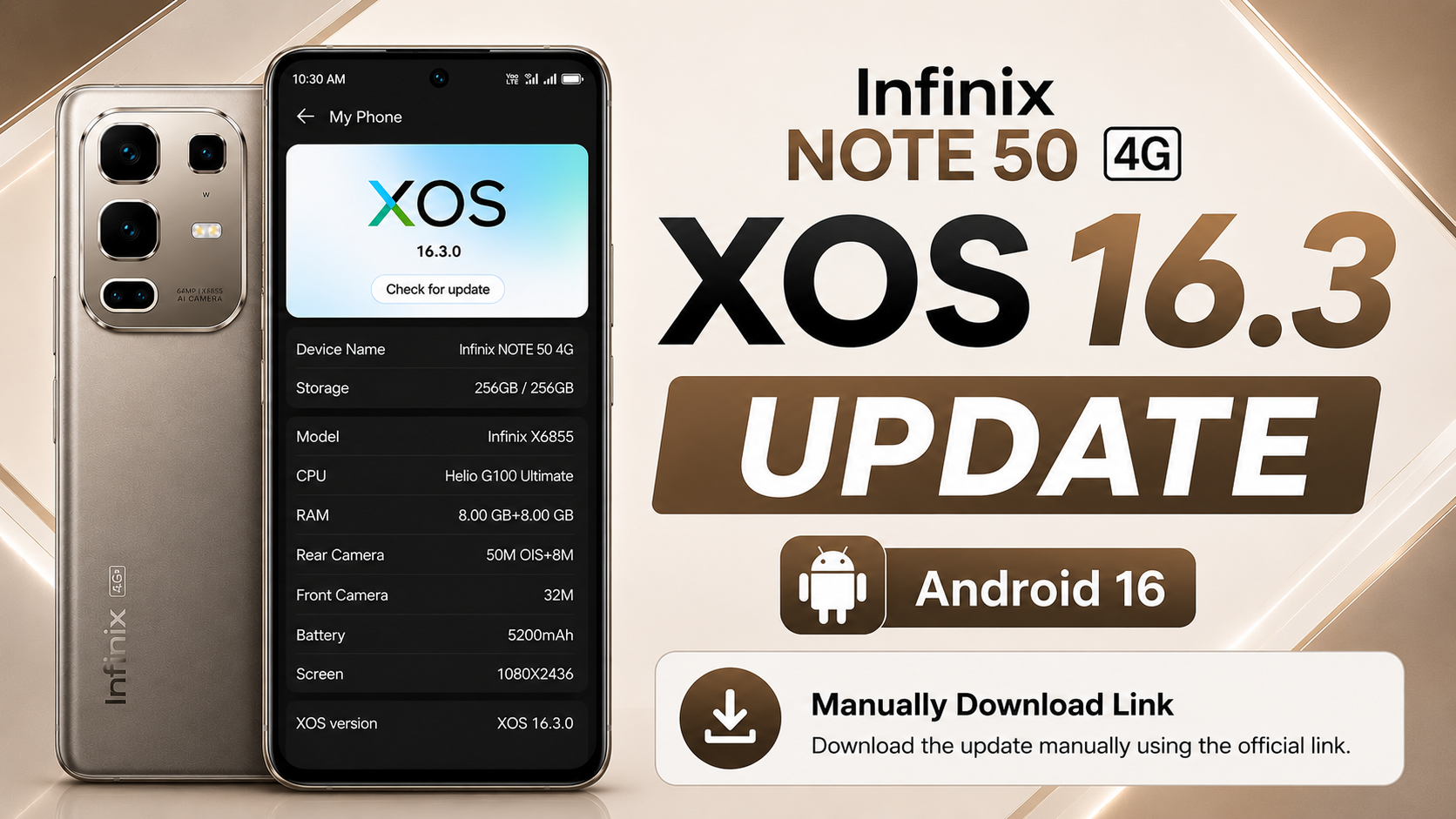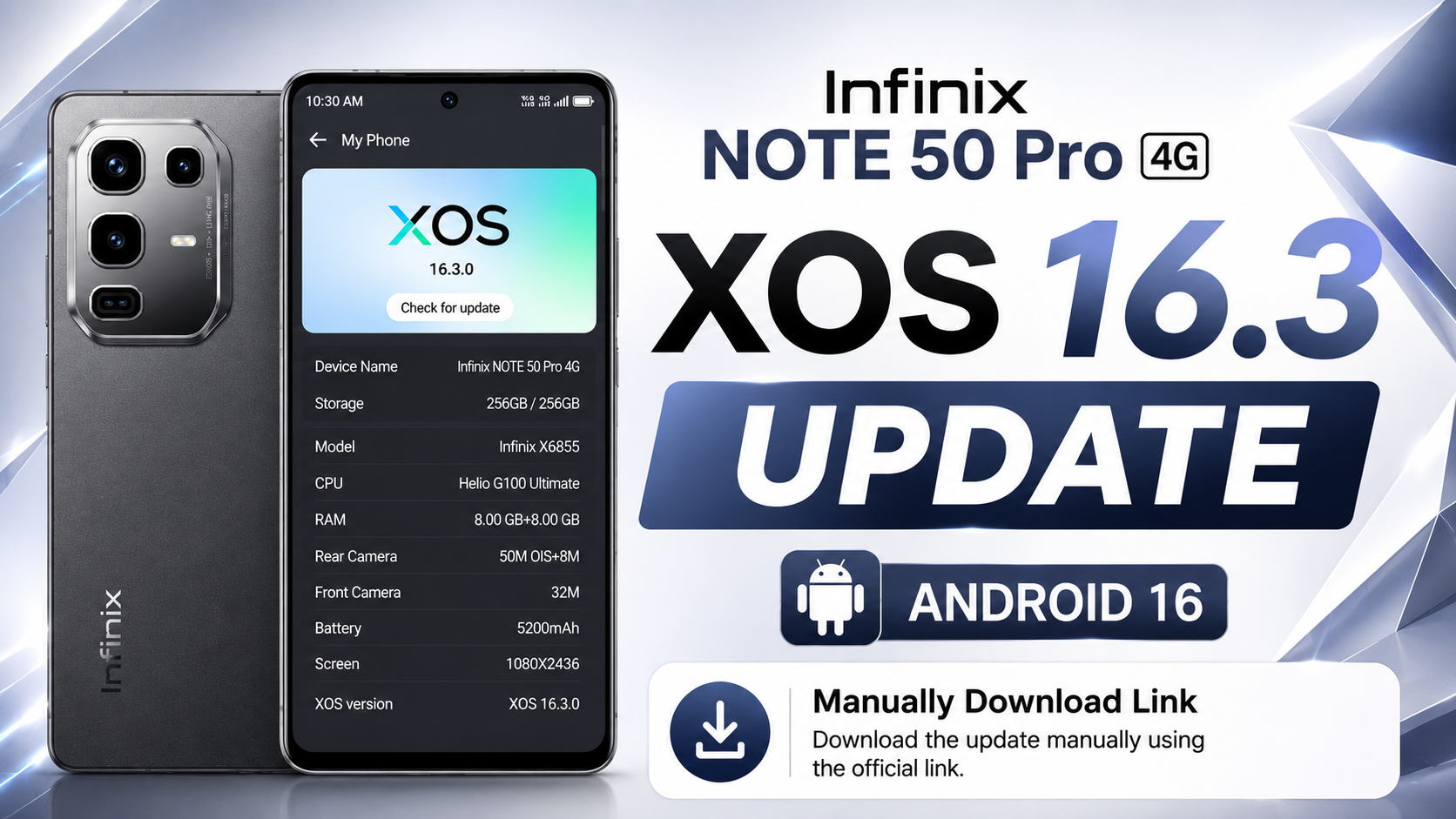
If you own the Infinix NOTE 50 Pro 4G , there’s good news for you. Infinix has officially started rolling out the Android 16-based XOS 16.2 update for global users. This major software upgrade takes the device from Android 15 with XOS 15 to Android 16 with XOS 16.2.0, delivering a refreshed user interface, smarter AI features, enhanced camera improvements, better security, smoother performance, and an improved overall user experience.
This is one of the biggest OTA software updates released for the Infinix NOTE 50 Pro 4G. In this article, we’ll explain everything about the Infinix NOTE 50 Pro 4G Android 16 Update, including update information, new features, complete changelog, installation guide, official OTA download link, and whether you should install the update.
Table of Contents
Infinix NOTE 50 Pro 4G OTA Update Information
| Details | Information |
|---|---|
| Device | Infinix NOTE 50 Pro 4G |
| Android Version | Android 16 |
| XOS Version | XOS 16.2.0 |
| Previous Version | Android 15 (XOS 15) |
| Build Number | X6855-16.2.0.135SP22 (OP012PF001AZ) |
| Update Size | 9120.4 MB (Around 9.1 GB) |
| Incremental Version | 201350029 |
| Android Security Patch | April 1, 2026 |
| Build Date | May 14, 2026 |
| Fingerprint | Infinix/X6855-OP/Infinix-X6855:16/BP2A.250605.031.A3/201350029:user/release-keys |
Infinix NOTE 50 Pro 4G XOS 16 Update Features
Android 16 Upgrade
The latest update upgrades the device from Android 15 to Android 16, bringing improved security, better privacy protection, smoother system performance, and all the latest Android features for a more reliable user experience.
New XOS 16.2 Interface
The software also upgrades the phone from XOS 15 to XOS 16.2.0, introducing a refreshed interface with smoother animations, improved navigation, cleaner system design, and a more modern visual experience throughout the operating system.
Camera Improvements
The Camera application has been refreshed with a redesigned interface that offers a cleaner layout and easier access to camera controls. In addition, AIGC Portrait Templates have been optimized to deliver better AI-generated portrait effects and an improved photography experience.
Folax Gets a Major AI Upgrade
Folax has received one of its biggest updates yet in XOS 16.2. The assistant now features a completely redesigned interface with smoother performance and more intuitive controls.
Several new AI-powered tools have also been introduced, including:
- FlashMemo
- MindHub
- Image Style Transfer
- Document Scanner
These additions help users complete everyday tasks more efficiently. Support for additional languages has also been added, although available features may vary depending on your device model and software version.
Smarter AI Suggestions
AI Suggestions has become more intelligent in this release. The update introduces localized service cards, system recommendations, and lifestyle cards that provide more useful suggestions based on your daily activities.
Transition animations have also been optimized, making interactions smoother and more natural.
Improved AI Notes
AI Notes receives a significant upgrade with support for intelligent YouTube video analysis. The feature can automatically extract important information from videos and generate concise notes, making it easier to study, save key points, and improve productivity.
Additional optimizations have also been made to deliver a faster and smarter note-taking experience.
Better Performance & Stability
XOS 16.2 focuses heavily on improving overall system performance. Users can expect smoother animations, faster app launches, better responsiveness, improved battery optimization, and multiple bug fixes that enhance overall stability.
Enhanced Security
The update includes the April 2026 Android Security Patch, providing protection against the latest security vulnerabilities while improving device reliability and system security.
Infinix NOTE 50 Pro 4G XOS 16 Update Download
Download the latest Infinix NOTE 50 Pro 4G Android 16 Local Update based on XOS 16.2.0 for the Global variant. global means works in every country mobile and other is country specafic with special features add on it.
Note: This update package is shared for educational and informational purposes only. I am not responsible for any software issues, data loss, or device damage that may occur during or after manual installation.
I always recommend waiting for the official OTA update because it is the safest way to update your device. If you still choose to install the local update manually, make sure you download the correct firmware for your exact device model and carefully follow the installation instructions.
How to Install the Infinix NOTE 50 Pro 4G XOS 16 Local Update
Installing the Android 16 update manually is simple, but every step should be followed carefully. Before starting, make sure your phone has at least 50% battery, enough free storage, and that all important data has been backed up.
Step 1: Download the Official Update File
Download the official Android 16 OTA ZIP package for your device. Do not rename or extract the ZIP file.
Step 2: Move the Update Package
Open File Manager and copy the downloaded ZIP file to your phone’s Internal Storage (Root Directory).
Step 3: Enable Developer Options
Go to Settings → My Phone and tap the Build Number several times until Developer Options are enabled.
Step 4: Open Developer Options
Navigate to Settings → System → Developer Options, then locate the Local Update option.
Step 5: Install the Update
Tap Local Update, select the downloaded OTA ZIP package, and confirm the installation. Your device will verify the package before the installation begins.
Step 6: Wait for Installation
The installation process usually takes 10–20 minutes. Keep the battery above 50% and avoid restarting or powering off the device during the update.
Step 7: Verify the Update
Once installation is complete, your phone will reboot automatically. Open Settings → My Phone to verify that your device is now running Android 16 with XOS 16.2.0.
Note: The Local Update option is available through Developer Options on Android 15 (XOS 15). Always install the official firmware created specifically for your device model to avoid compatibility issues.
Conclusion
The Infinix NOTE 50 Pro 4G XOS 16 Update is one of the biggest software upgrades available for the device. It brings Android 16, a refreshed XOS 16.2 interface, upgraded Folax AI, smarter AI Suggestions, improved AI Notes, camera enhancements, stronger security, smoother system performance, and several stability improvements.
If the update is available for your device, it’s recommended to install it through the official OTA method. Before updating, ensure your battery is sufficiently charged and your important data is backed up. After installation, you’ll enjoy a faster, smarter, and more feature-rich experience on your Infinix NOTE 50 Pro 4G.