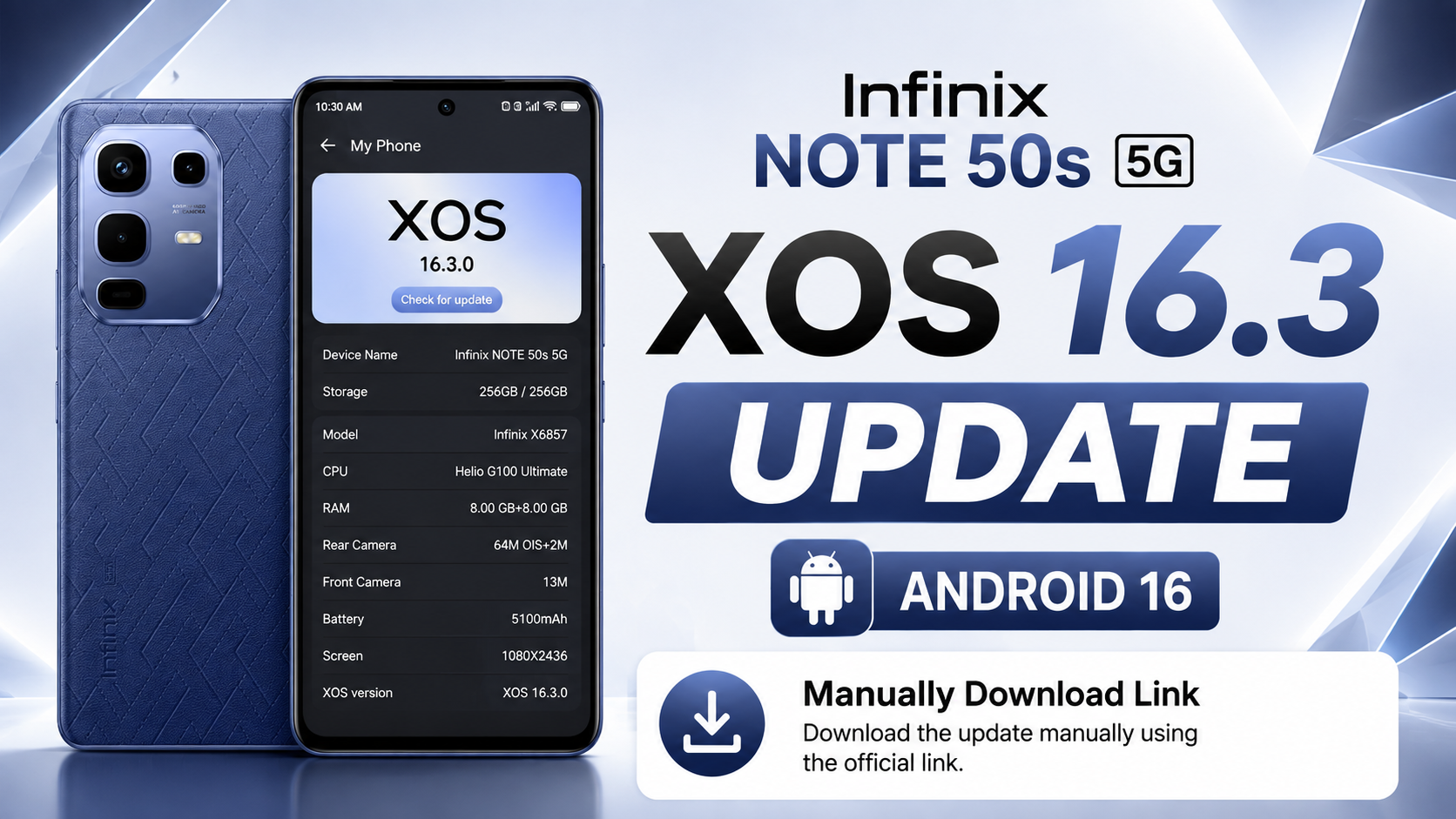
If you own the Infinix NOTE 50s 5G (Global), there’s great news for you. Infinix has officially started rolling out the Android 16-based XOS 16.2 update for global users. This major software upgrade takes the device from Android 15 with XOS 15.1.2 to Android 16 with XOS 16.2.0, introducing a refreshed user interface, improved wallpaper customization, smarter Home Screen features, redesigned Control Center, enhanced security, smoother animations, and better overall performance.
This is one of the biggest OTA software updates released for the Infinix NOTE 50s 5G. In this article, we’ll explain everything about the Infinix NOTE 50s 5G Android 16 Update, including update information, new features, complete changelog, installation guide, official OTA download link, and whether you should install the update.
Table of Contents
Infinix NOTE 50s 5G OTA Update Information
| Details | Information |
|---|---|
| Device | Infinix NOTE 50s 5G (Global) |
| Android Version | Android 16 |
| XOS Version | XOS 16.2.0 |
| Previous Version | Android 15 (XOS 15.1.2) |
| Build Number | X6870-16.2.0.135SP17 (OP005PF001AZ) |
| Update Size | 9066.1 MB (Around 9.1 GB) |
| Incremental Version | 201350034 |
| Android Security Patch | April 1, 2026 |
| Build Date | April 28, 2026 |
| Fingerprint | Infinix/X6870-OP/Infinix-X6870:16/BP2A.250605.031.A3/201350034:user/release-keys |
Infinix NOTE 50s 5G XOS 16 Update Features
Infinix NOTE 50s 5G Android 16 Upgrade
The latest software upgrades the device from Android 15 to Android 16, bringing stronger security, the latest Android features, improved system stability, and a smoother overall user experience.
Refreshed XOS 16.2 Interface
The update also upgrades the device from XOS 15.1.2 to XOS 16.2.0, offering a cleaner interface, smoother animations, redesigned system elements, and a refreshed look throughout the operating system.
New Wallpaper Features
XOS 16.2 introduces several exciting wallpaper customization features.
Users can now enable the Depth-Effect Home Screen, which creates a layered effect using portrait wallpapers for a more immersive visual experience.
The update also adds support for Live Photo Wallpapers, allowing animated memories to be used directly on the Home Screen.
In addition, the system can automatically generate a personalized color theme based on your selected wallpaper, creating a more consistent and attractive interface.
Improved Home Screen Experience
The Home Screen has received multiple usability improvements.
Users can now view app download and update progress directly from application icons without opening the Play Store.
The system also provides automatic folder name suggestions when grouping applications together, making Home Screen organization much easier.
XOS 16.2 also introduces a new Featured Channel inside the Widget Center along with a convenient 1×1 One-Tap Lock Screen Widget for quick screen locking.
Redesigned Notification Center & Control Center
One of the biggest visual upgrades in XOS 16.2 is the redesigned Notification Center and Control Center.
Both panels now feature a modern superfluid design with cleaner visuals and smoother animations for a more premium user experience.
Status bar transition animations have also been optimized, creating seamless visual effects when opening or closing the Notification Center and Control Center.
Additional interface refinements further improve overall system fluidity.
Better Performance & Stability
Infinix has also focused on improving system performance with this release.
Users can expect smoother animations, faster app launching, improved multitasking performance, better battery optimization, and several bug fixes that enhance the overall stability of the device.
Enhanced Security
The update includes the April 2026 Android Security Patch, helping protect the device against the latest Android security vulnerabilities while improving system reliability and privacy.
Infinix NOTE 50s 5G XOS 16 Update Download link
Download the latest Infinix NOTE 50s 5G Android 16 Local Update based on XOS 16.2.0 for the Global variant.
This update upgrades your device from Android 15 (XOS 15.1.2) to Android 16 (XOS 16.2.0) and includes the April 2026 Android Security Patch, improved wallpaper customization, refreshed Home Screen, redesigned Notification Center, smoother performance, and enhanced overall stability.
Note: This update package is shared for educational and informational purposes only. I am not responsible for any software issues, data loss, or device damage that may occur during or after manual installation.
I always recommend waiting for the official OTA update because it is the safest method to update your device. If you still choose to install the update manually, make sure you download the correct firmware for your exact device model and carefully follow every installation step.
How to Install the Infinix NOTE 50s 5G XOS 16 Local Update
Installing the Android 16 update manually is simple, but every step should be followed carefully. Before starting, ensure your phone has at least 50% battery, sufficient free storage, and that all important data has been backed up.
Step 1: Download the Official Update File
Download the official Android 16 OTA ZIP package for your device. Do not rename or extract the ZIP file.
Step 2: Move the ZIP File
Copy the downloaded update package to your phone’s Internal Storage (Root Directory) using File Manager.
Step 3: Enable Developer Options
Go to Settings → My Phone and tap the Build Number multiple times until Developer Options are enabled.
Step 4: Open Developer Options
Navigate to Settings → System → Developer Options and locate the Local Update option.
Step 5: Install the Update
Tap Local Update, choose the downloaded OTA ZIP package, and confirm the installation. The phone will verify the update package before starting the installation.
Step 6: Wait for Installation
The installation process usually takes around 10–20 minutes. Keep your battery above 50% and avoid restarting or turning off the phone during the update.
Step 7: Verify the Update
After installation is complete, your device will reboot automatically. Open Settings → My Phone and verify that your phone is now running Android 16 with XOS 16.2.0.
Note: The Local Update option is available through Developer Options on Android 15 (XOS 15.1.2). Always install the official firmware designed specifically for your device model to avoid compatibility issues.
Conclusion
The Infinix NOTE 50s 5G XOS 16 Update is one of the biggest software upgrades available for the device. It introduces Android 16, a refreshed XOS 16.2 interface, new wallpaper customization features, smarter Home Screen improvements, a redesigned Notification Center and Control Center, stronger security, smoother animations, and better overall system performance.
If the update has reached your device, it’s recommended to install it through the official OTA method. Before updating, ensure your battery is sufficiently charged and your important data is backed up. Once installed, you’ll enjoy a faster, smoother, and more personalized experience on your Infinix NOTE 50s 5G.