
Infinix mobile users every year wait for new system updates because every major update brings better performance, new features, and improved security. Recently, many users are searching online about the XOS 16 update for Infinix mobiles. They want to know what new features will come, which Infinix phones will get the update, and how to update their device safely.
- Table of Contents
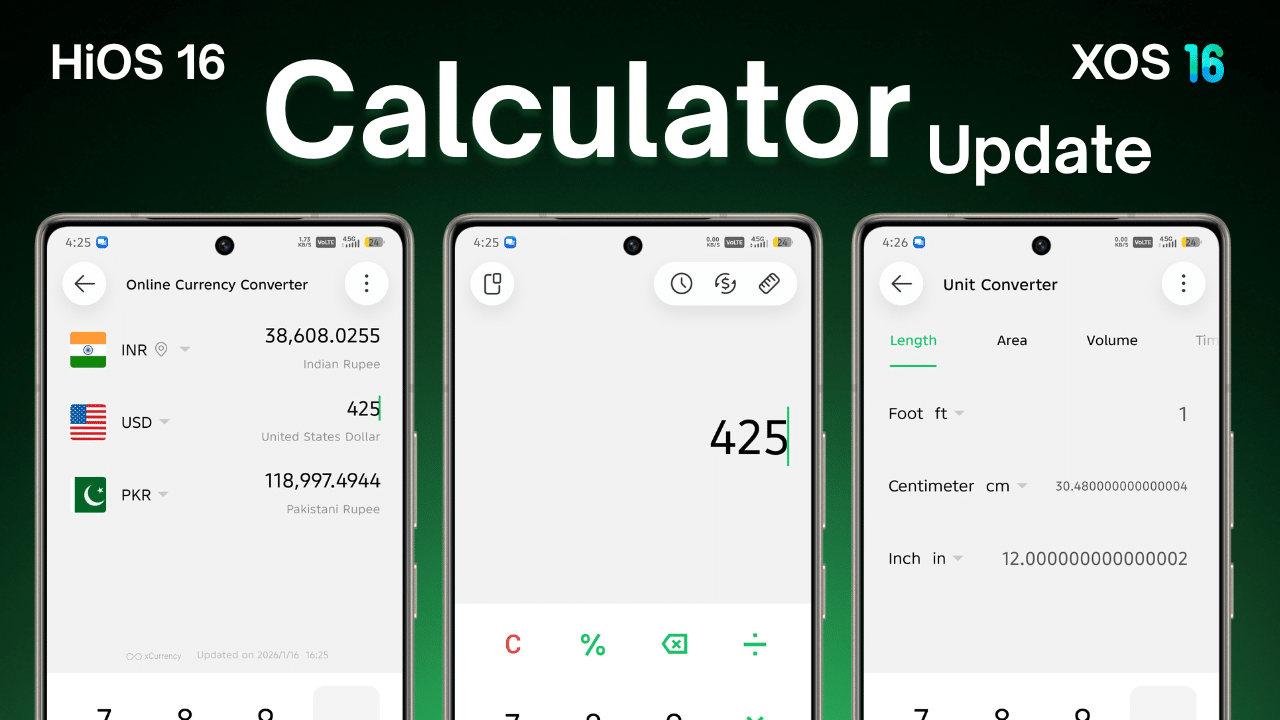
- XOS 16 New Features in Details
- 1. Improved User Interface (UI)
- 2. Instant Transfer with iPhone
- Better Performance and Speed
- Ai Theme Generate
- Battery Optimization
- Depth of Field Wallpaper
- Enhanced Privacy and Security
- Glow Space
- Infinix AI
- Improved Game Mode
- More Customization Options
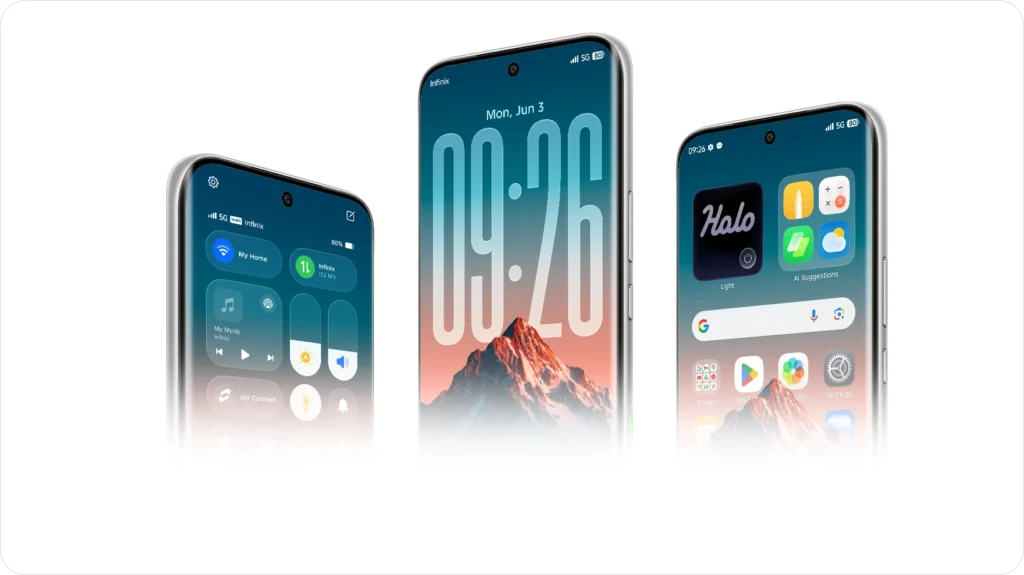
- Notification Center
- Smoothness
- More Functional Optimizations
- How to Update XOS 16 on Infinix Mobile (Step-by-Step)
- Step 1: Open Settings
- Step 2: Tap on System Update
- Step 3: Check for Updates
- Step 4: Download the Update
- Step 5: Install the Update
- Important Things to Do Before Updating
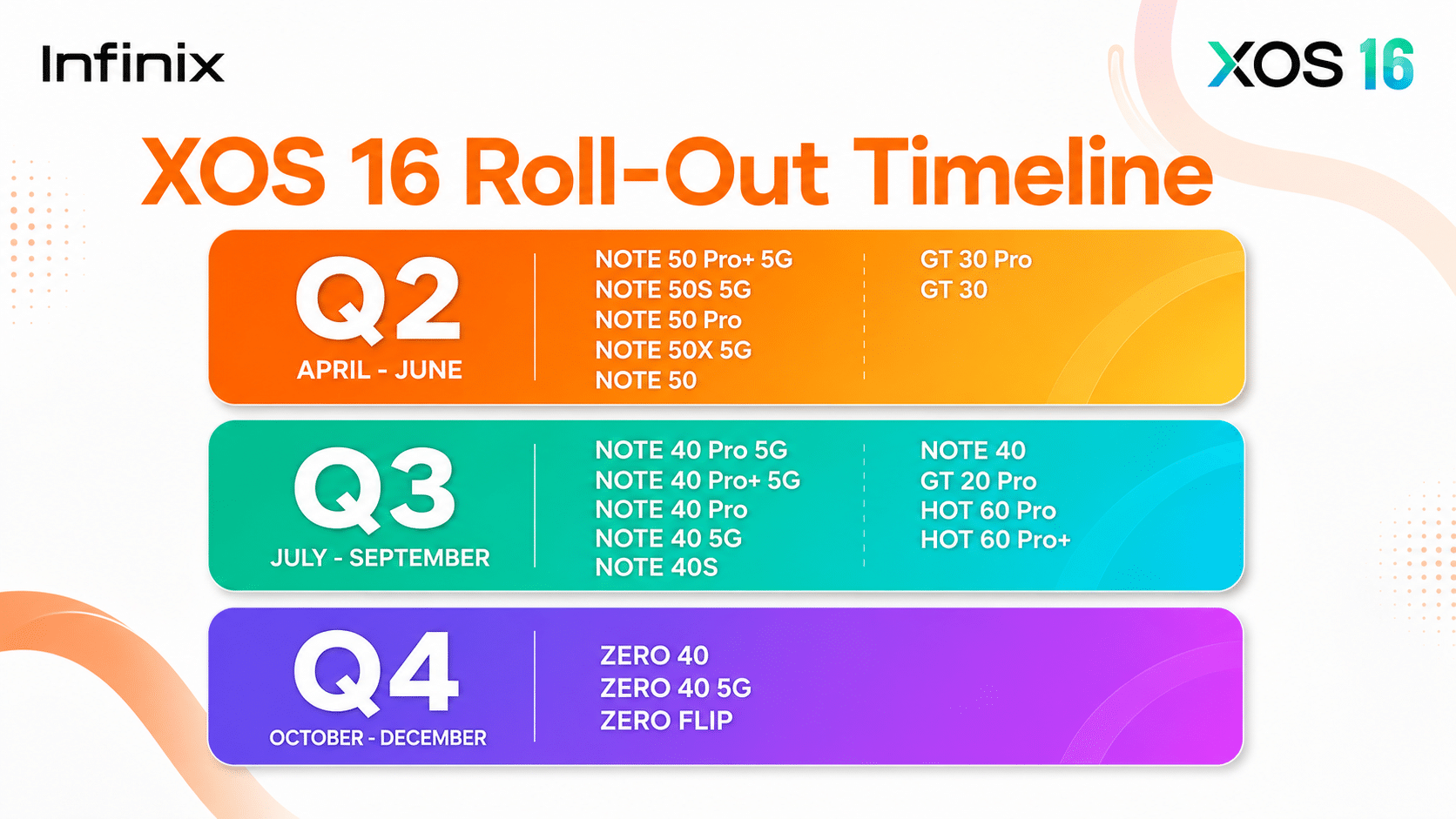
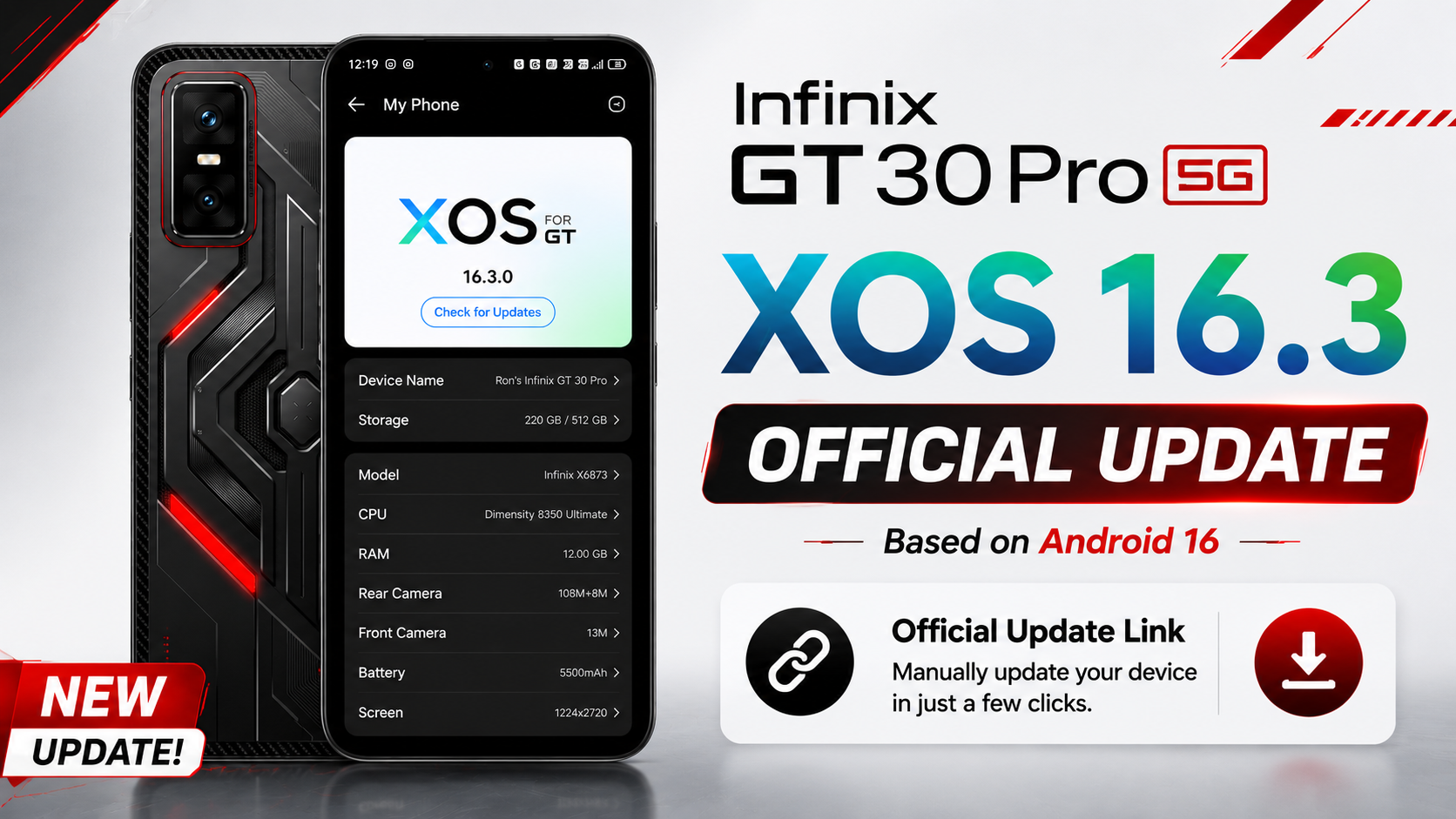
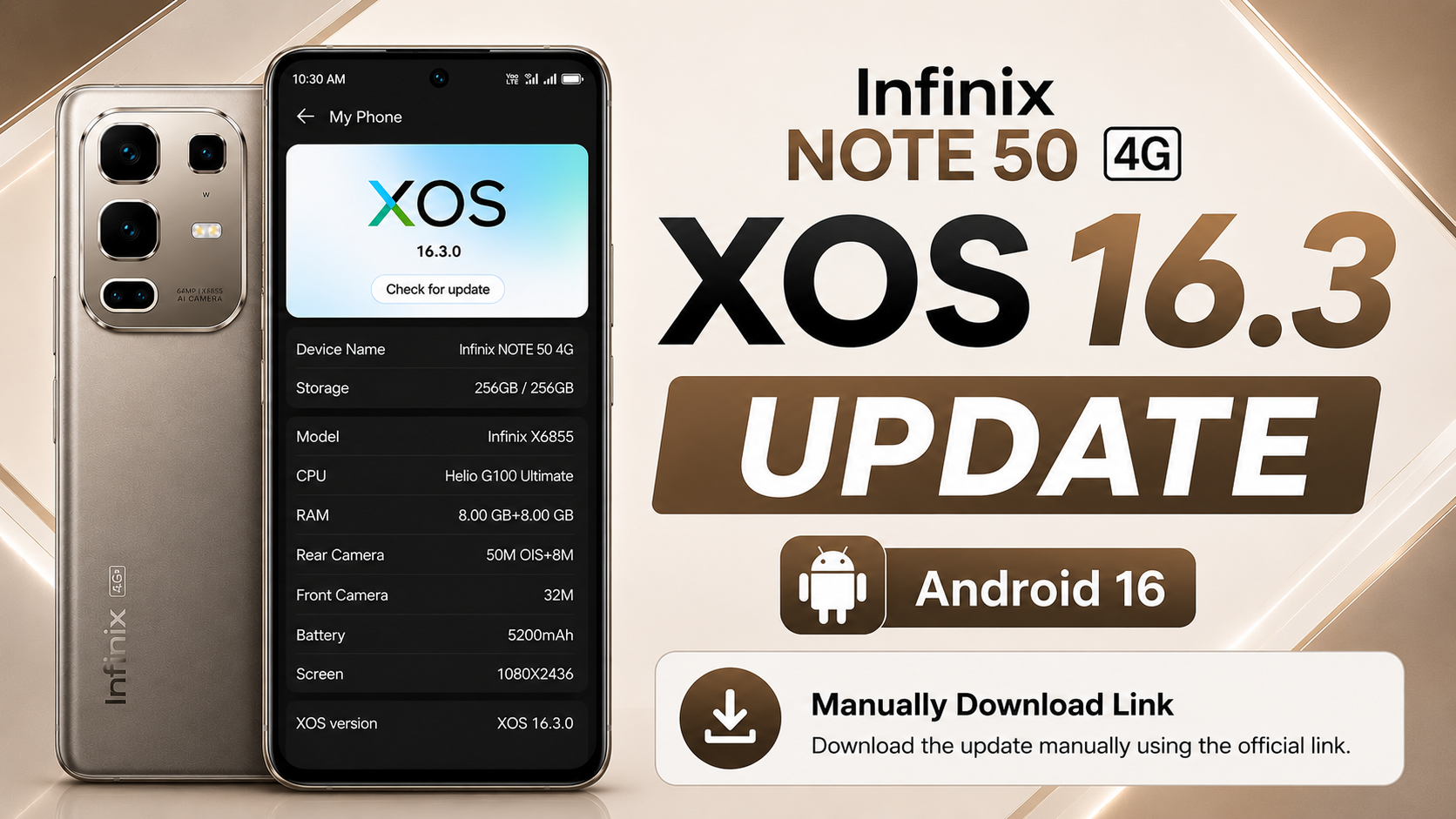
- Infinix Models That May Receive XOS 16 Update
- Infinix Note Series (Expected)
- Infinix Zero Series (Expected)
- Infinix Hot Series (Limited Support)
- Infinix Smart Series
- Common Problems After Update and Easy Solutions
- Final Words
In this article, I will tell you everything about the XOS 16 update in very easy words. You will know when XOS 16 may launch, what new features are coming, and which Infinix mobiles will get the XOS 16 and Android 16 update.
If you are an Infinix user, this article will help you understand whether your phone is ready for the next big update or not.
Table of Contents
XOS 16 continues the same goal. It is designed to make Infinix phones smoother, safer, and easier to use for normal users.
XOS 16 New Features in Details
Infinix usually rolls out features based on phone hardware and region. Below are expected and commonly improved features in XOS 16, explained in very simple words. In Tecno Mobile has similar Faetures Comes with HiOS 16.
Important Note: Infinix Also Add tons on features in XOS 16 and Android 16 Update, I will be Update this post regularly.
1. Improved User Interface (UI)
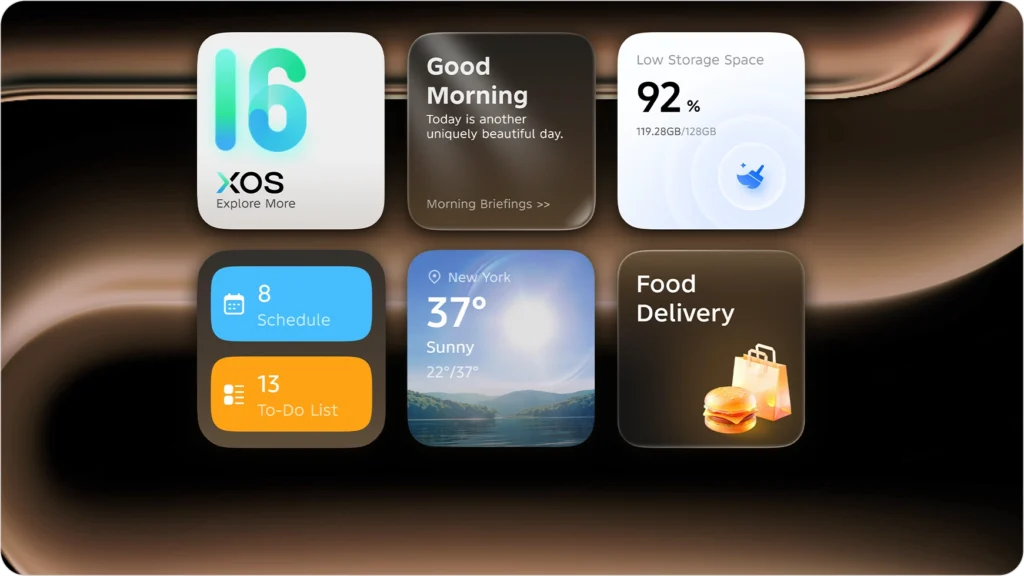
XOS 16 may bring a cleaner and Liquid Glass Ui modern design, Icons, animations, and menus can look smoother. Small UI changes make the phone feel fresh without confusing users and Optimized the dark mode display of more basic model icons to enhance overall visual quality.
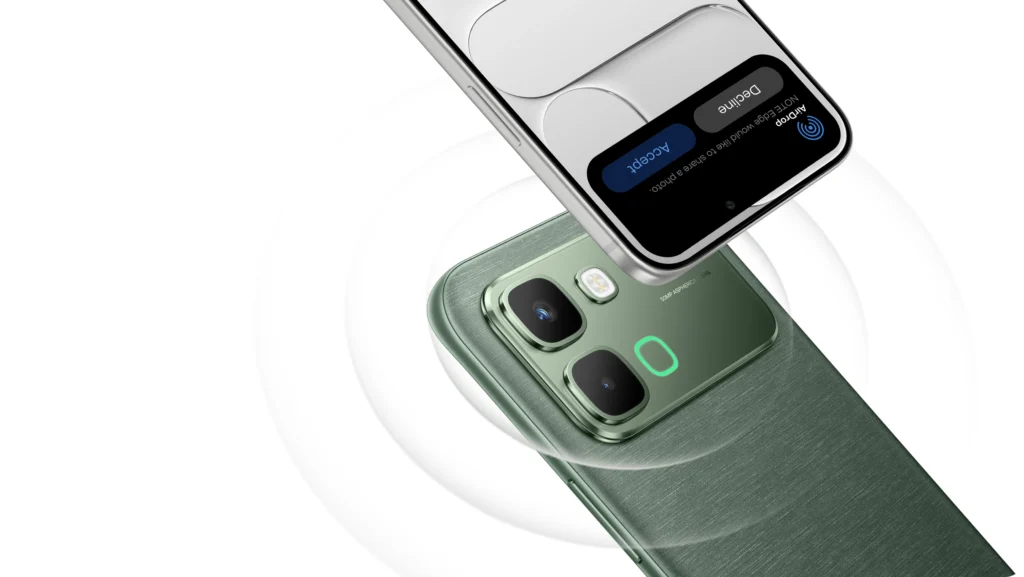
2. Instant Transfer with iPhone
No network needed. Transfer instantly with a simple NFC tap.
Better Performance and Speed
System optimization is one of the biggest goals of XOS 16. Apps may open faster, and multitasking can become smoother, especially on mid-range devices.
Ai Theme Generate
This is big major features of XOS 16. This Feature Help to generate Theme for infinix mobile

Battery Optimization
XOS 16 is expected to manage background apps better. This helps reduce battery drain and increases screen-on time. Power-saving options may also be improved.
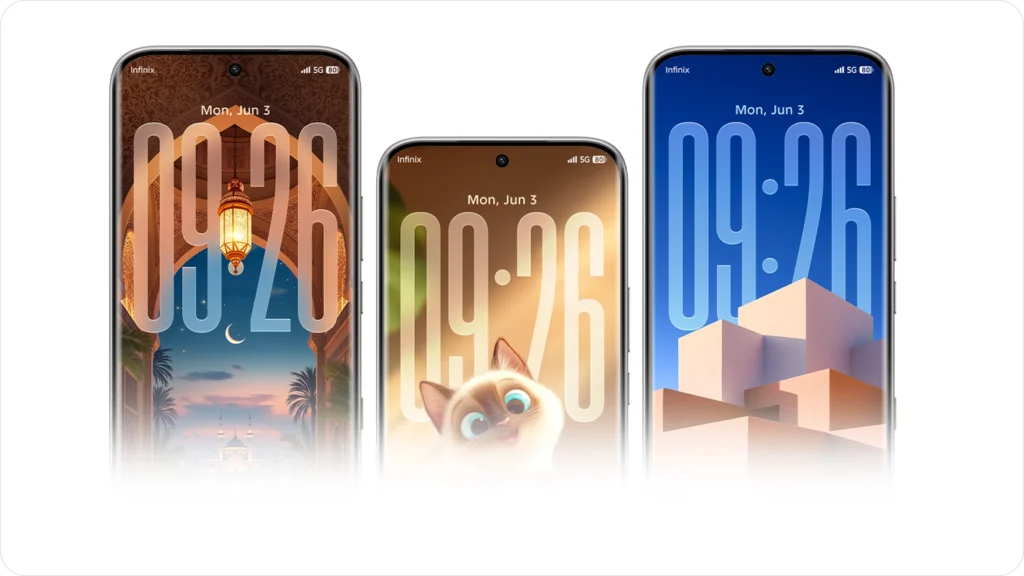
Depth of Field Wallpaper
With the longest upgrade promise in NOTE history,
Enhanced Privacy and Security
Privacy is very important today. XOS 16 may include:
- Better app permission control
- Improved system security patches
- Safer background access management
These features help protect user data.
Glow Space
Experience record-smooth app switching -“nothing stands in your way.”
Infinix AI
No commands. No setup. Just quiet intelligence that gets things done.
One-Stop Problem Solving
Got a question, a puzzle, or a wild idea? Just ask Infinix AI. From solving equations to imagining the picture in your mind — or one you never thought of — it’s here to make things happen.
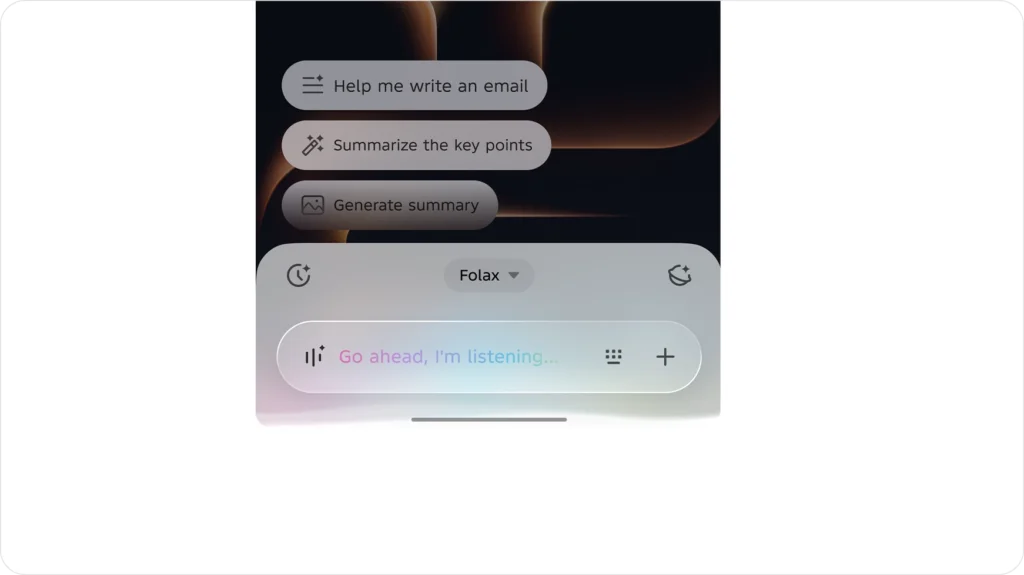
AI Suggestions
Infinix AI learns what you need. From morning weather to a midday ride, lunch,or setting tomorrow’s alarm — it has everything ready for you.
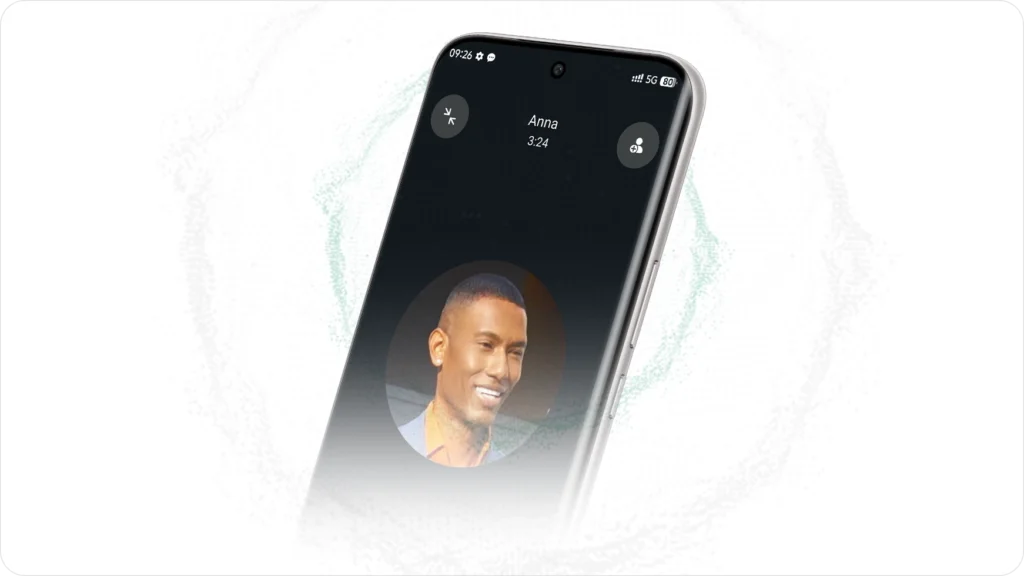
Adaptive Noise Cancelling
With your permission, Infinix Al recognizes your voice, eliminating background noise during calls or meetings so you can focus on what matters.
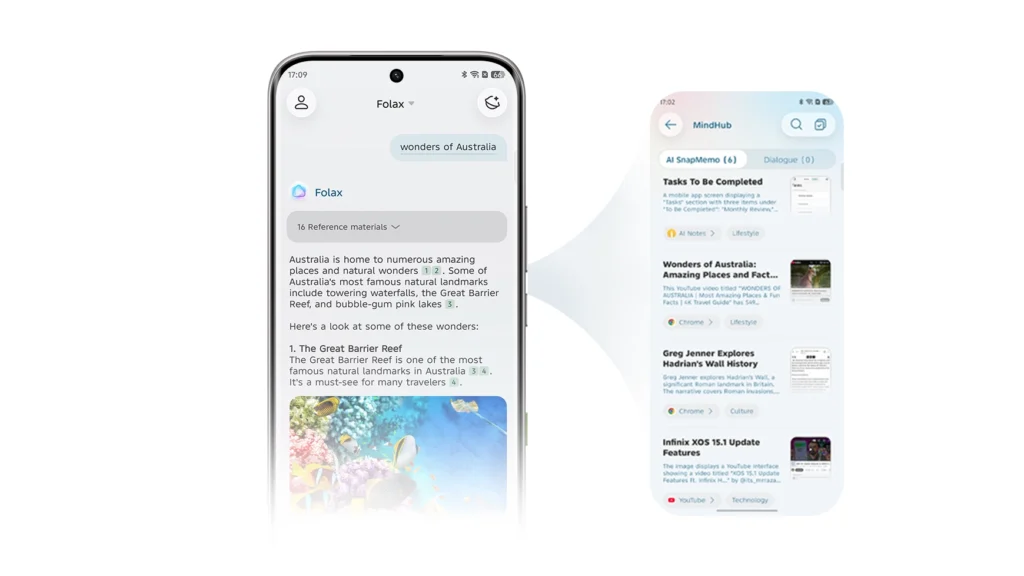
AI SnapMemo
Never miss key files, links, images or brilliant ideas. Tap the AI key to auto-remember, summarize and tag.

AI MindHub
Build your personalized MindHub—no manual sorting.Chat with Folax, get instant precise answers via auto-retrieved knowledge snippets.
Some Other Ai Features
- Ai image generation experience
- Ai Smarter app suggestions
- Ai scenarios
These features depend on device capability.
Improved Game Mode
For gaming users, XOS 16 may improve game mode features like:
- Reduced background interruptions
- Better touch response
- More stable frame performance
This helps in games without overheating or lag.
More Customization Options
Users may get more options for:
- Lock screen styles
- Fonts and themes
- Notification appearance
Customization makes the phone feel more personal.
Notification Center
- Optimized the power-off charging icon to ensure smoother and more complete display.
- Fixed the issue where tapping blocked SMS notifications did not navigate to the corresponding screen, improving the spam blocking experience.
Smoothness
- Optimized the memory management strategy to improve overall system smoothness.
- Reduced screen rotation latency to enhance home screen animation smoothness and responsiveness.
- Optimized fingerprint unlocking performance and speed for a more natural and comfortable unlocking experience.
- Improved home screen animation smoothness in One-Handed Mode for easier use.
More Functional Optimizations
Older bugs and system errors are usually fixed in new updates. This helps improve daily usage without random issues.Optimized the back panel lighting flip-trigger logic,improving button operation accuracy.
Important Note: Exact features can vary depending on your Infinix model and region. Not all phones get all features.
How to Update XOS 16 on Infinix Mobile (Step-by-Step)
Updating your phone is easy if you follow the correct steps.
Step 1: Open Settings
Go to Settings on your Infinix phone.
Step 2: Tap on System Update
Scroll down and tap on Software Update or System Update.
Step 3: Check for Updates
Your phone will check if the XOS 16 update is available for your device.
Step 4: Download the Update
If available, tap Download. Make sure you are connected to Wi-Fi.
Step 5: Install the Update
After download, tap Install. Your phone will restart and complete the update.
Important Things to Do Before Updating
Before installing XOS 16, follow these safety tips:
- Charge your phone at least 50–60%
- Take a backup of important data
- Ensure enough storage space is available
- Use stable Wi-Fi, not mobile data
These steps prevent update failure or data loss.
Infinix Models That May Receive XOS 16 Update
Infinix usually provides updates based on device performance and launch year. Below is a general and safe list of models that may receive XOS 16. This is not an official confirmation.
Important Note: This Data is based on leaked,we are update it regularly. So we can’t give you fake hope for XOS 16 update.
Infinix Note Series (Expected)
- Infinix Note 40 series
- Infinix Note 50 series
Infinix Zero Series (Expected)
- Infinix Zero 40
- Infinix Zero Ultra
Infinix Hot Series (Limited Support)
- Infinix Hot 40
- Infinix Hot 50
Infinix Smart Series
- Only selected newer models may receive limited updates
Availability depends on region, hardware, and company policy. Older models may not receive major updates.
Common Problems After Update and Easy Solutions
Sometimes users face small issues after a system update. Here are common problems and fixes. Don’t worry thease type are problem only 3 to 6 percent. so ignore that.
Phone Feels Slow
- Restart your phone
- Clear background apps
- Give system time to optimize (1–2 days)
Battery Drain
- Let the phone settle after update
- Check battery usage in settings
- Avoid heavy apps for first 24 hours
App Crashes
- Clear app cache
- Reinstall problematic apps
Most problems fix themselves after normal usage.
Final Words
The XOS 16 update for Infinix mobiles is designed to improve daily phone usage with better speed, battery life, and security. While not every feature is confirmed for all devices, the update focuses on stability and user comfort.
Always update your phone using the official system update method and avoid unofficial sources. This keeps your device safe and stable.
If you use an Infinix smartphone and receive the XOS 16 update notification, follow the steps carefully and enjoy the improved experience.

نزول تحديد اندرويد 16في هاتف انفنكس سمارت 10
Infinix hot 60 pro ma update kasy download kro
bro bs kar hi raha hu es par research
Note 40 pro version x6850 ka xos16 update nhi ho rha
Thanks🌹 bro mere infinix note 40 update ho gia hy
can you share update video with us telegram https://telegram.me/panditnmn