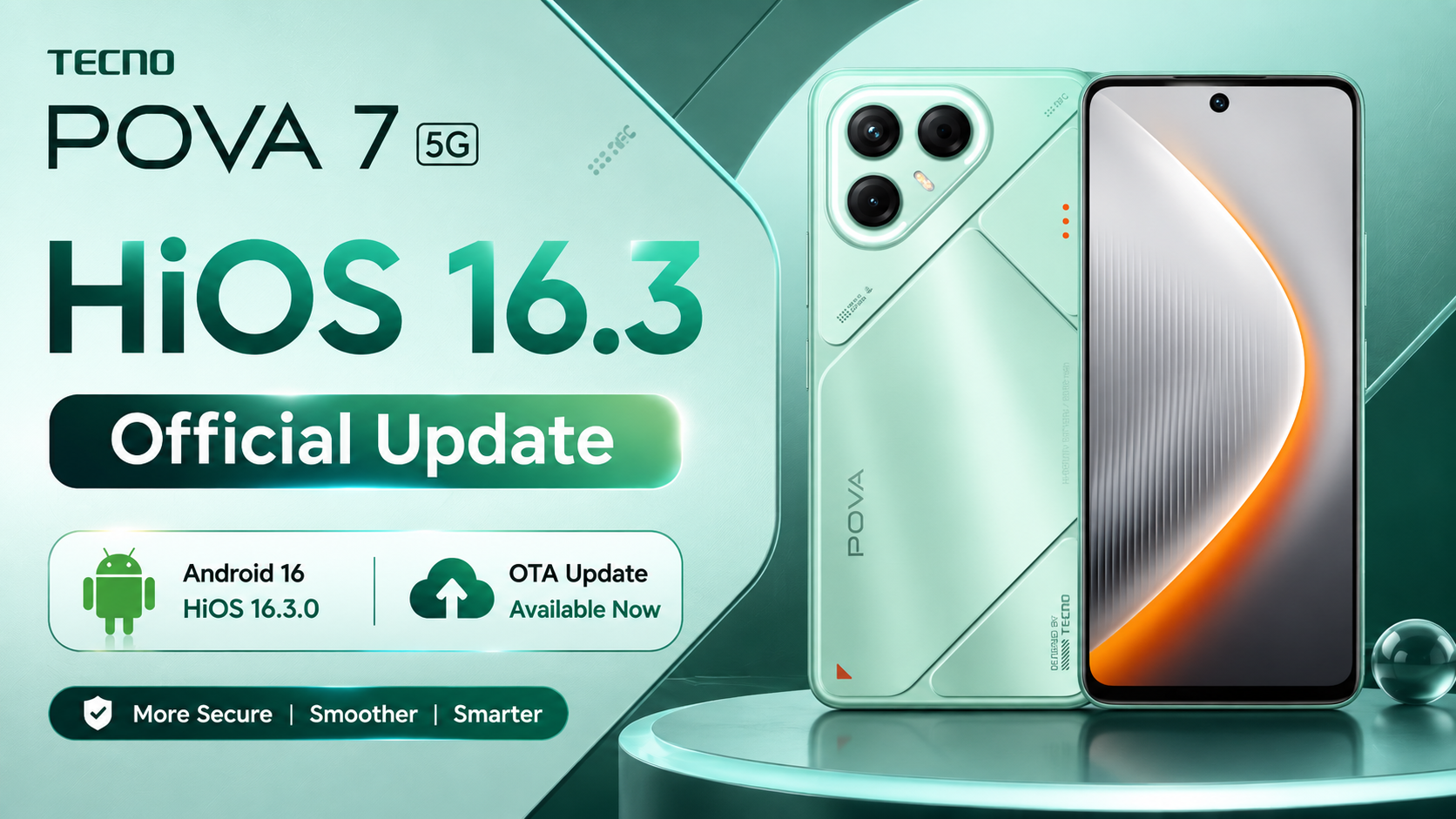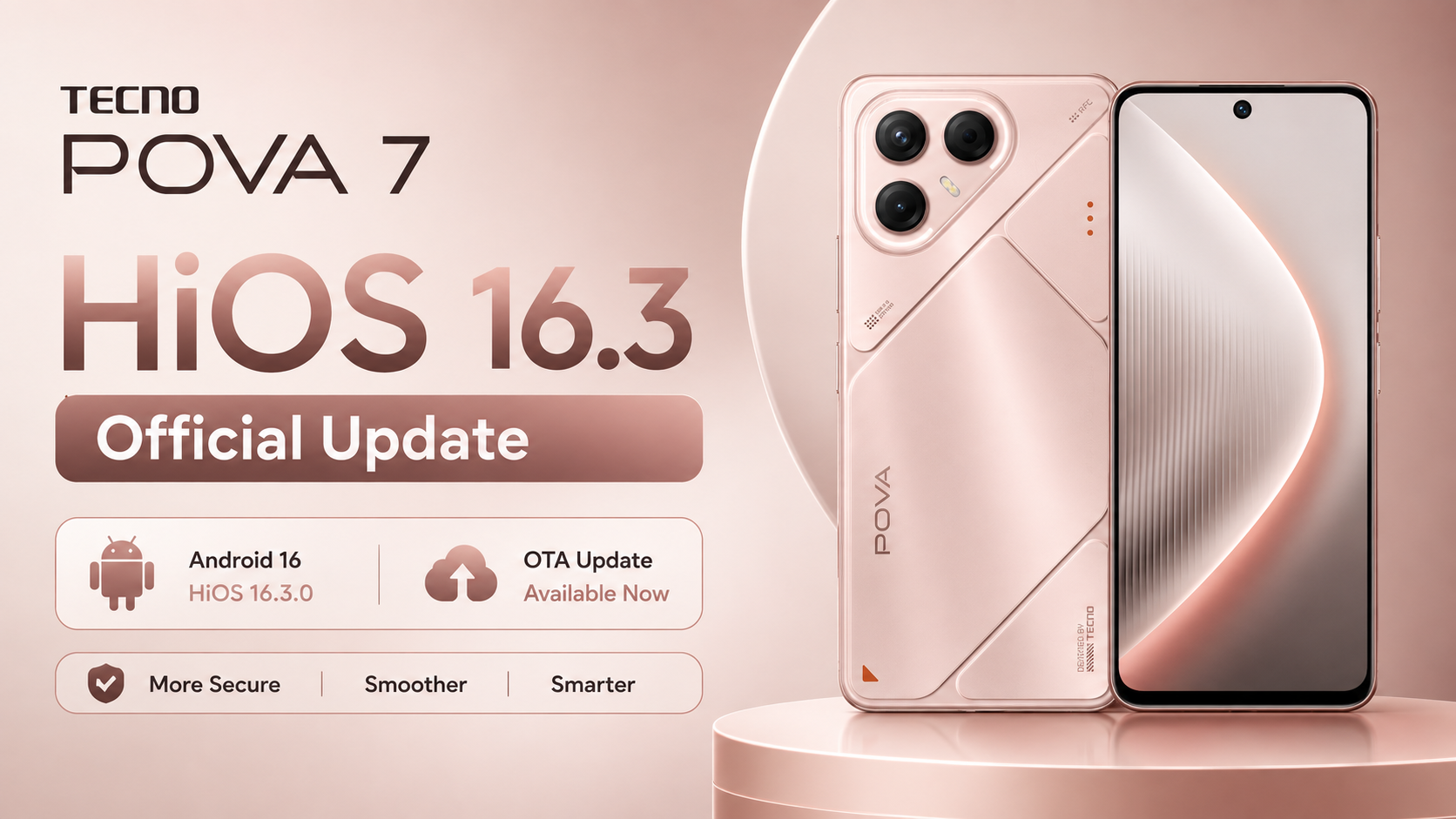
If you own the TECNO POVA 7 4G, a major OTA update is now rolling out for the device. This update upgrades the system to Android 16 along with HiOS 16 and brings the latest August 2026 security patch, new AI features, improved design, better performance, and enhanced privacy protection.
TECNO POVA 7 4G HiOS 16 Features, Download Link, Installation Guide — In this article, you will find complete details about the TECNO POVA 7 4G HiOS 16 update including OTA information, features, official download link, installation steps, and important precautions.
Table of Contents
TECNO POVA 7 4G OTA Update Information
| Item | Details |
|---|---|
| Device | TECNO POVA 7 4G / POVA 7 Neo 4G (Global – OP Market) |
| Update Title | Tcard_LJ6-16.3.0.140SP18-OP005PF001AZ_a15 |
| Android Version | Android 16 |
| HiOS Version | HiOS 16.3.0 |
| Previous Version | Android 15 + HiOS 15 |
| Build Number | LJ6-16.3.0.140SP18 (OP005PF001AZ) |
| Update Size | 7497.7 MB (~7.5 GB) |
| Incremental Version | 301400010 |
| Security Patch | August 1, 2026 |
| Build Date | 03 August 2026 |
| OTA Type | Official OTA Update |
| Fingerprint | TECNO/LJ6-OP/TECNO-LJ6:16/BP2A.250605.031.A3/301400010:user/release-keys |
TECNO POVA 7 4G HiOS 16 Update Features
Android Version
The system is upgraded from Android 15 to Android 16, offering improved security, better performance, and enhanced overall user experience.
OS Version
HiOS is upgraded from version 15 to HiOS 16, bringing a refreshed design, smoother animations, and a smarter interface.
Security
Google Security Patch has been updated to August 1, 2026, improving device protection against vulnerabilities.
AI Features
AI Suggestions introduces three types of smart service cards including Local, System, and Lifestyle with improved animations. Speech recognition accuracy has been enhanced along with better long-text translation and improved semantic understanding. AI subtitle generation is now faster and more accurate with real-time synchronization for video playback.
New Design
The update adds icon-based download progress visualization and introduces superfluid system animations with smooth transitions. Control Center has been redesigned with seamless expansion animations for Wi-Fi and mobile data cards and now supports hiding labels for a cleaner look.
Multi-Device Connectivity
Cross-device audio casting allows you to stream phone audio to compatible TECNO tablets or PCs. Communication sync enables real-time syncing of calls and messages across devices.
Privacy and Security
Payment protection scans the device in real time when using financial apps. Unlock security now requires privacy password verification when changing biometric or password settings. A unified privacy password system allows you to manage all privacy features with a single password and reset it if needed.
Communication
Call recording has been improved with support for automatic recording for selected contacts along with better file organization and naming.
System Performance
Performance has been optimized by reducing resource wait times during heavy usage. Memory allocation is now smarter, prioritizing important apps while compressing background apps to free RAM. Power usage details are now categorized into screen-on/off and foreground/background activities, helping users manage battery usage more efficiently.
Cloud Services and Battery
Cloud services have been fully upgraded to support more types of data backup and syncing, improving overall ecosystem functionality and multimedia performance.
System Optimization
The update also improves system stability, fixes bugs, and enhances overall smoothness for daily usage.
TECNO POVA 7 4G HiOS 16 Update Download Link
Download the official Android 16 HiOS 16 OTA package from the link below:
This file is shared for informational purposes only. Always ensure that you download and install the correct file for your exact device model.
Before installing the update, make sure your battery is above 50 percent, backup all important data, and do not interrupt the installation process.
Steps to Install HIOS 16 Local Update on TECNO POVA 7 4G
Installing the Android 16 update is simple if you carefully follow the instructions below.
Step 1: Download the Official OTA File
Download the official HIOS 16 OTA ZIP package. Do not rename or extract the ZIP file.
Step 2: Move the ZIP File
Open File Manager and copy the OTA ZIP file to the root directory of your Internal Storage.
Step 3: Enable Developer Options
Go to:
Settings → My Phone (About Phone)
Tap the Build Number multiple times until Developer Options are enabled.
Step 4: Open Developer Options
Navigate to:
Settings → System → Developer Options
Find the Local Update option.
Step 5: Select the Update Package
Choose the downloaded OTA ZIP file. The phone will verify the package before beginning the installation.
Step 6: Install the Update
Wait patiently while the installation completes. The process usually takes 10–20 minutes.
Do not restart or power off the phone during installation.
Step 7: Restart Your Device
After installation finishes, your phone will reboot automatically.
Congratulations! Your TECNO CAMON 40 Premier 5G has been successfully upgraded to Android 16 and HIOS 16.
Conclusion
The TECNO POVA 7 4G HiOS 16 update is a major upgrade that significantly enhances the device with Android 16 features, improved AI capabilities, better performance, stronger privacy protection, and a refreshed design. With the August 2026 security patch, users also get improved security and stability.
If the update is available via OTA, it is recommended to install it for the best and safest experience. For manual installation, follow the steps carefully and ensure all precautions are taken. After updating, your TECNO POVA 7 4G will deliver a faster, smoother, and more advanced smartphone experience.