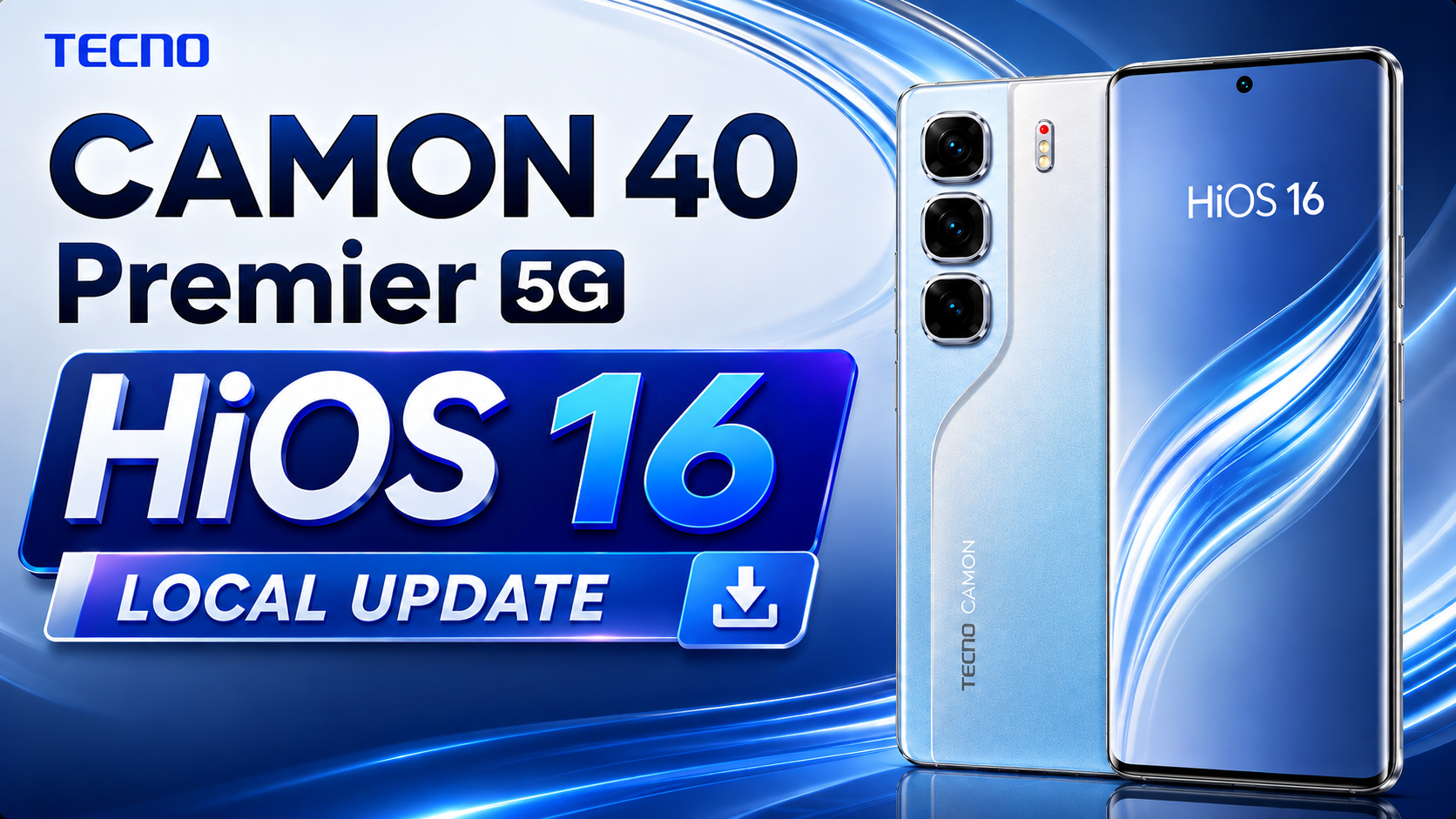
The TECNO CAMON 40 Premier 5G HIOS 16 Update has officially started rolling out for Global (OP Market) users. This latest software update upgrades the device from Android 15 to Android 16 and HIOS 15 to HIOS 16, bringing a refreshed user interface, smoother system performance, advanced AI features, enhanced security, improved privacy protection, and a better overall user experience.
If you own the TECNO CAMON 40 Premier 5G, this is one of the biggest OTA updates released for the device. Along with the latest August 2026 Android Security Patch, the update introduces new animations, AI-powered features, cross-device connectivity, system optimizations, and numerous bug fixes for improved stability.
In this article, we’ll cover everything you need to know about the TECNO CAMON 40 Premier 5G HIOS 16 Update, including the update information, complete changelog, download link, installation guide, and whether you should install the update.
Table of Contents
TECNO CAMON 40 Premier 5G OTA Information
| Category | Details |
|---|---|
| Device | TECNO CAMON 40 Premier 5G (Global) |
| Update Title | Tcard_CM8-16.2.0.145SP01-OP002PF001AZ_a15 |
| Operating System | Android 16 |
| Current HiOS Version | HiOS 16.2.0 |
| Build Number | CM8-16.2.0.145SP01 (OP002PF001AZ) |
| Update Type | Stable OTA Update |
| Region | Global (OP Market) |
| OTA Package Size | 10,173.8 MB (≈ 10 GB) |
| Incremental Version | 201450009 |
| Android Security Patch | May 1, 2026 |
| Build Date | May 22, 2026 (CST) |
| Fingerprint | TECNO/CM8-OP/TECNO-CM8:16/BP2A.250605.031.A3/201450009:user/release-keys |
TECNO CAMON 40 Premier 5G HIOS 16 Update Features
Android Version:
- Upgraded from Android 15 to Android 16 for enhanced security, more features, and a better user experience.
OS Version:
- Upgraded from HiOS 15.1.2 to HiOS 16.2.0 for a smarter user interface and a refreshed look for your device.
Camera
- Optimized the camera interaction experience for smoother and more convenient operation.
- Added AI editing features in AI Gallery: AI Flare Remover, AI Shadow Remover, and AI Reflection Remover.
Ella
- Redesigned the client interface, delivering a cleaner layout, smoother operation, and an upgraded overall user experience.
- Added AI features such as FlashMemo, MindHub, Image Style Transfer, and Document Scanner to make work and daily life more convenient.
- Added support for more languages for smoother communication.
- Features may vary by OS version and device model.
AI Suggestions
- Added localized service cards, system service cards, and lifestyle service cards, with richer suggested scenarios and card types.
- Optimized transition animations for more natural interactions.
Calls
- … Read full changelogs
TECNO CAMON 40 Premier 5G HiOS 16 Update Download Link
Download the latest TECNO CAMON 40 Premier 5G HiOS 16 Local Update based on Android 16. This update upgrades your device from HiOS 15 to HiOS 16, bringing new AI features, privacy enhancements, improved animations, cross-device connectivity, smoother performance, and better overall stability.
This OTA package is shared only for educational and informational purposes. Always install the update at your own risk.
Before updating:
- Charge your phone above 50%.
- Backup all important data.
- Download the correct OTA package for your exact device model.
- Never interrupt the installation process.
For the safest experience, always wait for the official OTA update to arrive through the System Update application.
Steps to Install HIOS 16 Local Update on TECNO CAMON 40 Premier 5G
Installing the Android 16 update is simple if you carefully follow the instructions below.
Step 1: Download the Official OTA File
Download the official HIOS 16 OTA ZIP package. Do not rename or extract the ZIP file.
Step 2: Move the ZIP File
Open File Manager and copy the OTA ZIP file to the root directory of your Internal Storage.
Step 3: Enable Developer Options
Go to:
Settings → My Phone (About Phone)
Tap the Build Number multiple times until Developer Options are enabled.
Step 4: Open Developer Options
Navigate to:
Settings → System → Developer Options
Find the Local Update option.
Step 5: Select the Update Package
Choose the downloaded OTA ZIP file. The phone will verify the package before beginning the installation.
Step 6: Install the Update
Wait patiently while the installation completes. The process usually takes 10–20 minutes.
Do not restart or power off the phone during installation.
Step 7: Restart Your Device
After installation finishes, your phone will reboot automatically.
Congratulations! Your TECNO CAMON 40 Premier 5G has been successfully upgraded to Android 16 and HIOS 16.
Conclusion
The TECNO CAMON 40 Premier 5G HIOS 16 Update is a major software upgrade that significantly enhances the overall smartphone experience. Along with Android 16, users receive the latest HIOS 16, improved AI capabilities, stronger privacy protection, smoother animations, better battery optimization, enhanced performance, and the August 2026 Android Security Patch.
If the OTA update has arrived on your device, it’s highly recommended to install it and enjoy the latest features, security improvements, and long-term software enhancements. Before updating, make sure your battery is above 50%, back up your important data, and always use the official OTA package designed specifically for your device model.
Once updated, your TECNO CAMON 40 Premier 5G will deliver a faster, smarter, more secure, and more reliable Android 16 experience.