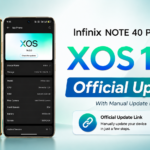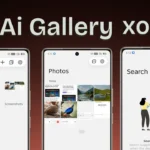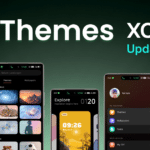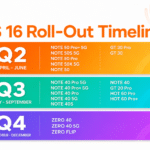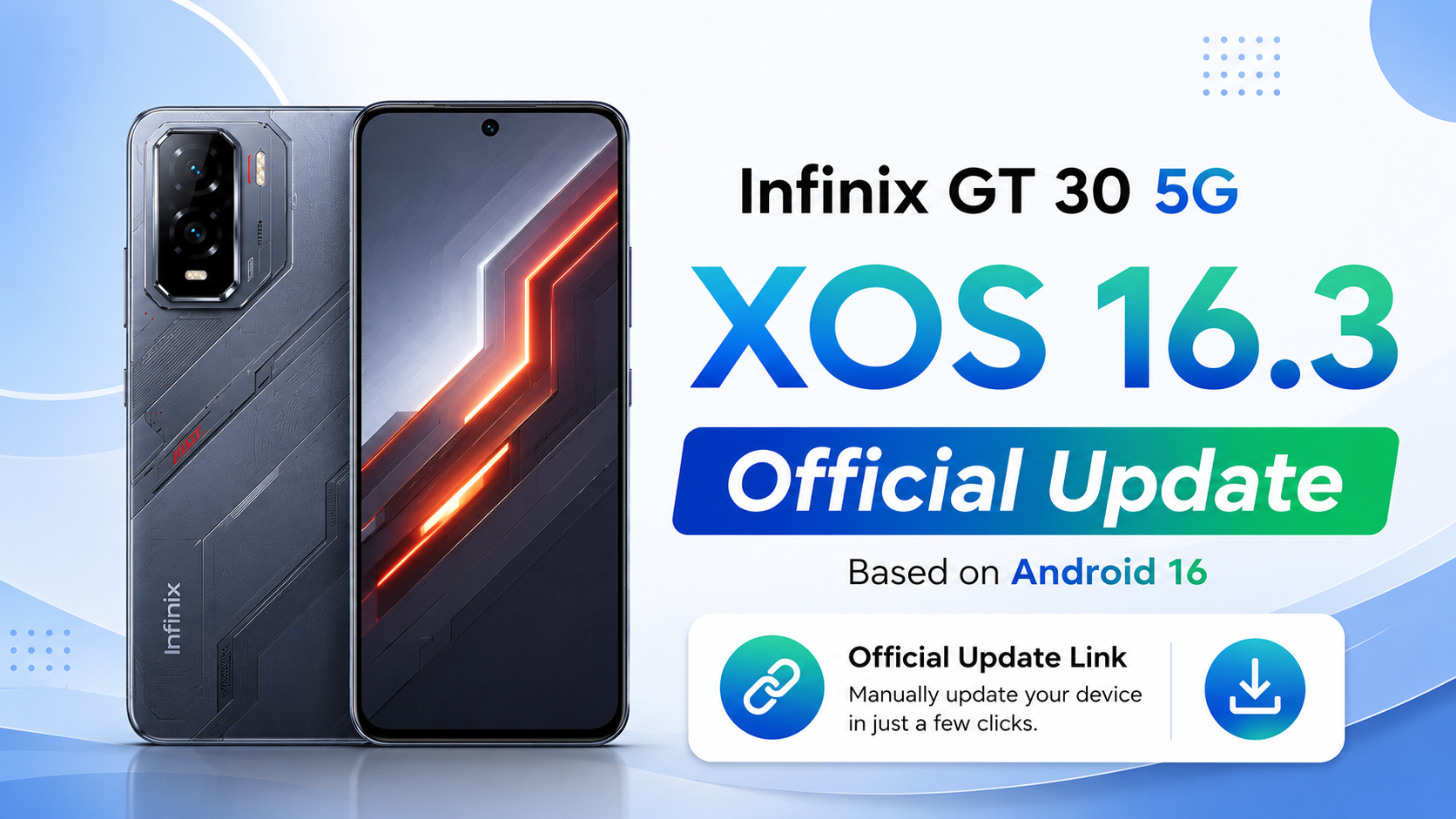
If you own the Infinix GT 30 (Global), there is good news for you. Infinix has officially started rolling out the Android 16-based XOS 16.2.0 update. This is a major software upgrade that brings a fresh design, better AI features, improved gaming performance, stronger security, faster animations, and many useful improvements to the device.
The update is available as an OTA (Over-the-Air) update, which means you can install it directly from your phone without using a computer.
Infinix GT 30 Android 16 Update Information
| Details | Information |
|---|---|
| Device | Infinix GT 30 (Global) |
| Android Version | Android 16 |
| XOS Version | XOS 16.2.0 |
| Previous Version | Android 15 (XOS 15.1.2) |
| Build Number | X6876-16.2.0.135SP13(OP007PF001AZ) |
| Security Patch | April 1, 2026 |
| Update Size | 9221.2 MB (Around 9.2 GB) |
What’s New in the Android 16 Update?
The latest Android 16 update brings a completely refreshed experience to the Infinix GT 30. It upgrades the phone from Android 15 and XOS 15.1.2 to Android 16 with XOS 16.2, offering a smarter interface, April 2026 Google Security Patch, improved AI Suggestions with better noise cancellation, AI Class Timetable, AI Notes, AI Writing, Dynamic Bar and AI Search, new Depth-Effect Home Screen, Live Photo wallpapers, AI-generated themes, upgraded Joy Connect for seamless multi-device connectivity, offline phone finding, improved privacy protection, better network performance in weak signal areas, faster animations, improved app launch speed, optimized MemFusion, upgraded cloud services, Esports Mode in XArena, new AI Voice Prompt, Smart Trigger, Voice Broadcast in Game Assistant, improved Bypass Charging for gaming and streaming, refreshed Camera UI, a completely upgraded Folax AI assistant with a cleaner interface and more language support, along with better system stability, performance improvements, and bug fixes.
New AI Features
One of the biggest highlights of this update is the improved AI experience.
The AI Suggestions feature is now smarter and provides more useful system cards. Calling quality has also improved with better AI-powered noise cancellation. New tools like AI Class Timetable make daily tasks easier, while AI Notes and AI Writing have been optimized for better productivity.
Dynamic Bar and AI Search have also become faster and more useful.
Brand-New Home Screen Experience
XOS 16.2 introduces several visual improvements.
Users can now enable the Depth-Effect Home Screen, making portrait wallpapers appear more realistic with a layered effect.
Another exciting feature is support for Live Photo Wallpapers, allowing your favorite moments to come alive directly on the home screen.
The system can also automatically create a matching theme based on your wallpaper colors.
Better Gaming Experience
Gamers will notice several improvements after installing this update.
The new Esports Mode inside XArena provides a more immersive gaming experience.
Game Assistant now includes AI Voice Prompt, Smart Trigger, and Voice Broadcast, helping players communicate more efficiently during gameplay.
Bypass Charging has also been improved, making long gaming sessions more stable while reducing heat.
Faster Performance
Android 16 makes the Infinix GT 30 feel smoother than before.
System animations are now faster, apps open more quickly, and overall responsiveness has improved.
Infinix has also optimized MemFusion technology to provide better memory management and multitasking performance.
Improved Security & Privacy
Security has received several upgrades in this release.
The phone now supports finding your device even when it is offline.
Privacy Password, Unlock Security Protection, and Dual System have also been improved to better protect your personal data.
Additionally, the device now includes the April 2026 Google Security Patch.
Better Camera Interface
The Camera application now comes with a refreshed user interface.
While image quality remains similar, the new design makes camera controls easier to access and provides a cleaner shooting experience.
Upgraded Folax AI Assistant
Folax has received a major update in XOS 16.2.
The assistant now offers a cleaner interface, smoother performance, smarter AI capabilities, and support for more languages, making daily interactions much easier.
System Stability Improvements
Besides introducing new features, Infinix has also focused on stability.
The update fixes several known bugs, improves system reliability, enhances battery optimization, and delivers a smoother overall user experience.
How to Install the Update
Follow these steps to install the latest Android 16 update:
- Charge your phone to at least 50%.
- Connect to a stable Wi-Fi network.
- Open Settings.
- Go to System Update.
- Tap Check for Updates.
- Download and install the latest OTA package.
- Restart your device after installation.
Final Words
The Android 16-based XOS 16.2 update is one of the biggest software updates released for the Infinix GT 30. It introduces a refreshed design, smarter AI tools, faster performance, stronger security, better gaming features, improved privacy, and several system optimizations. If you have received the OTA notification, it is recommended to install the update for the best experience.