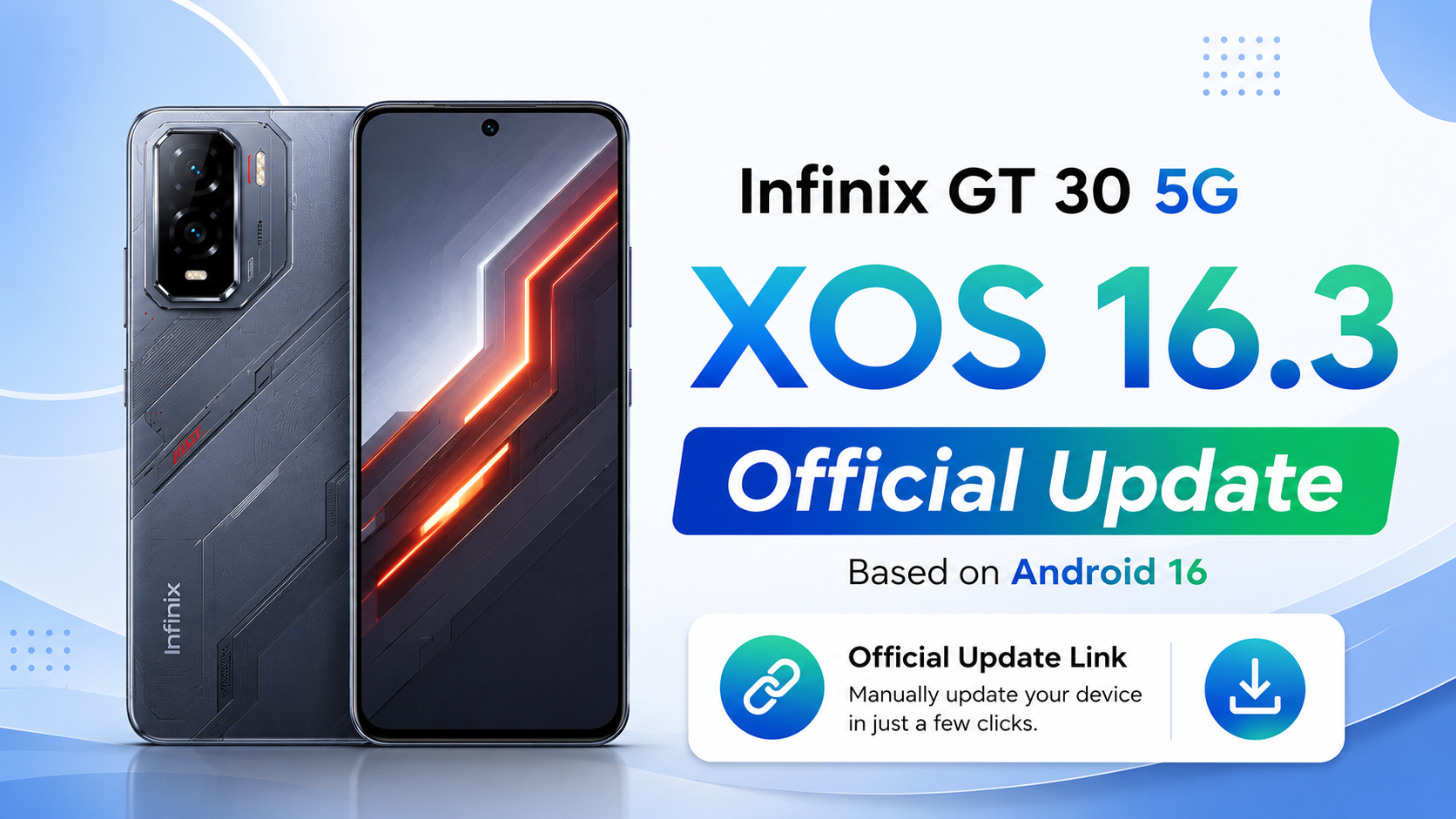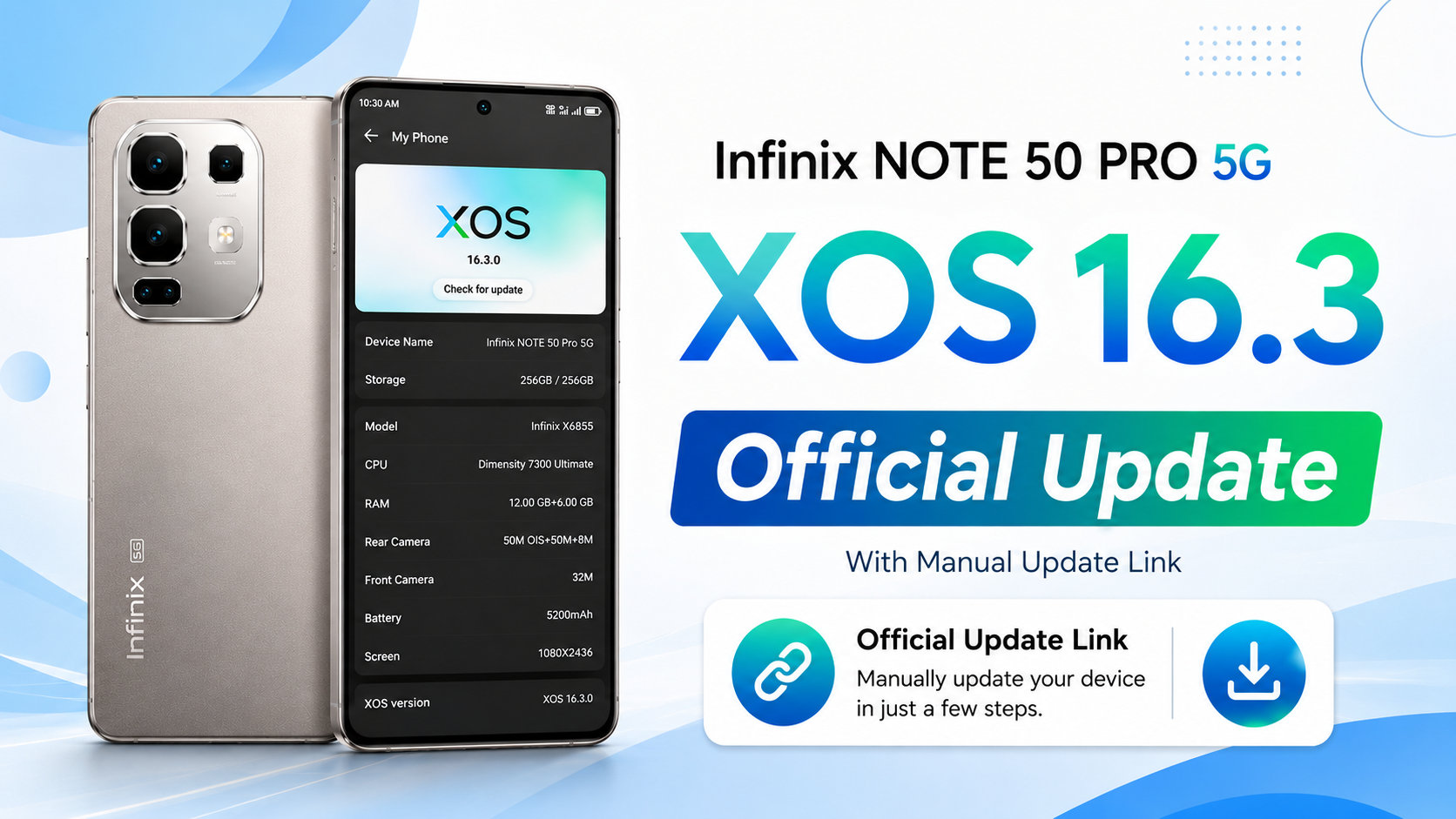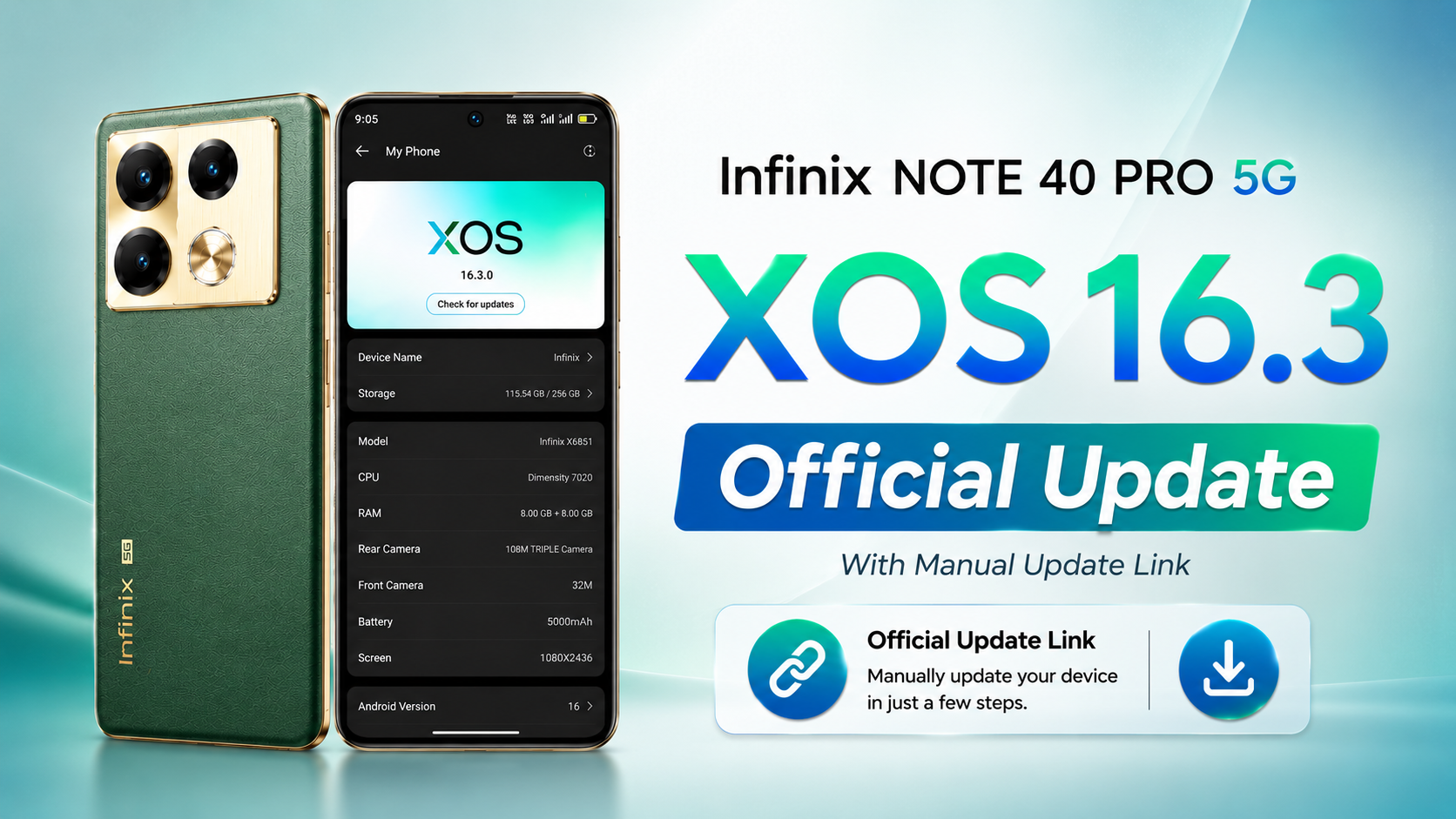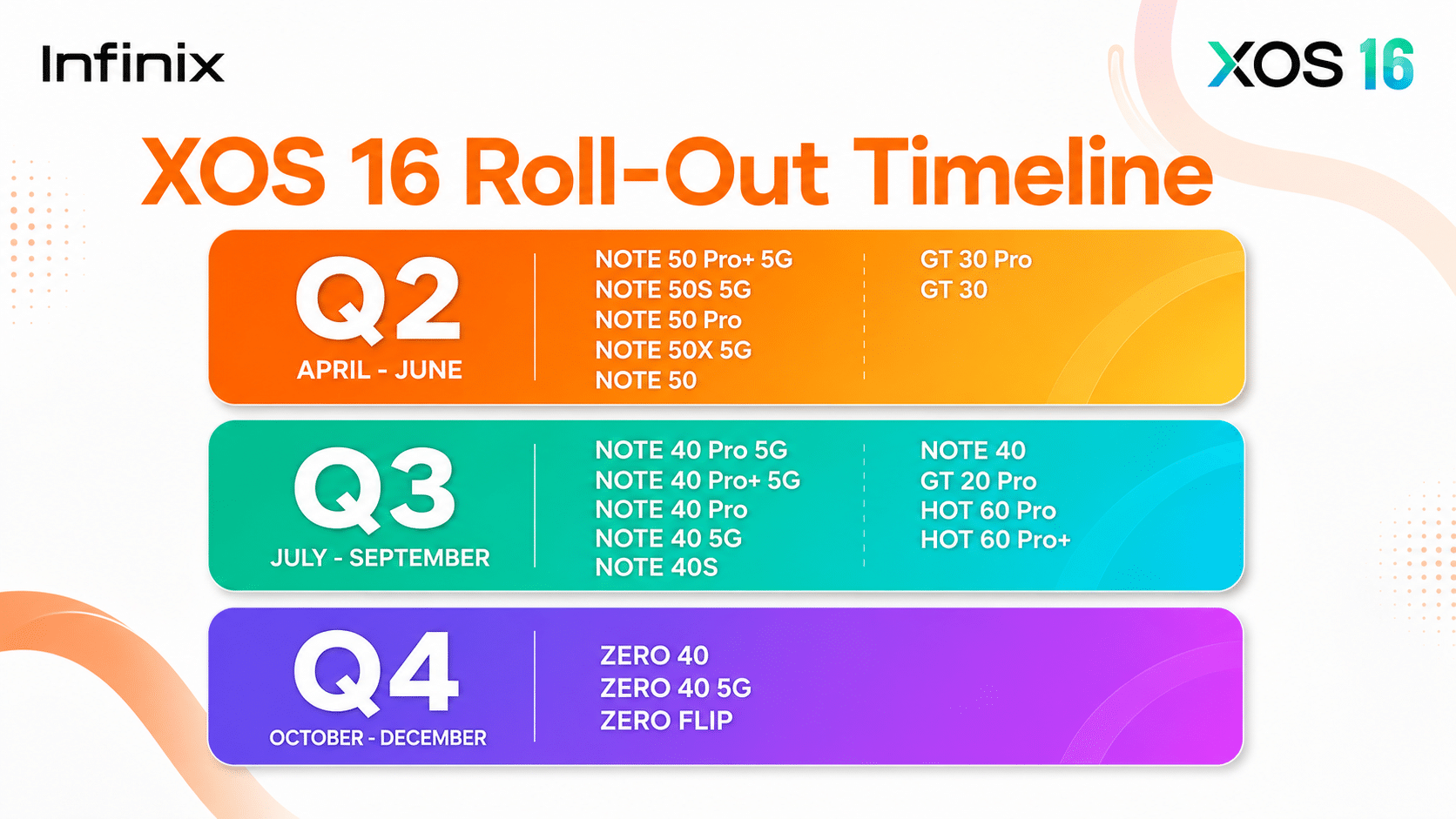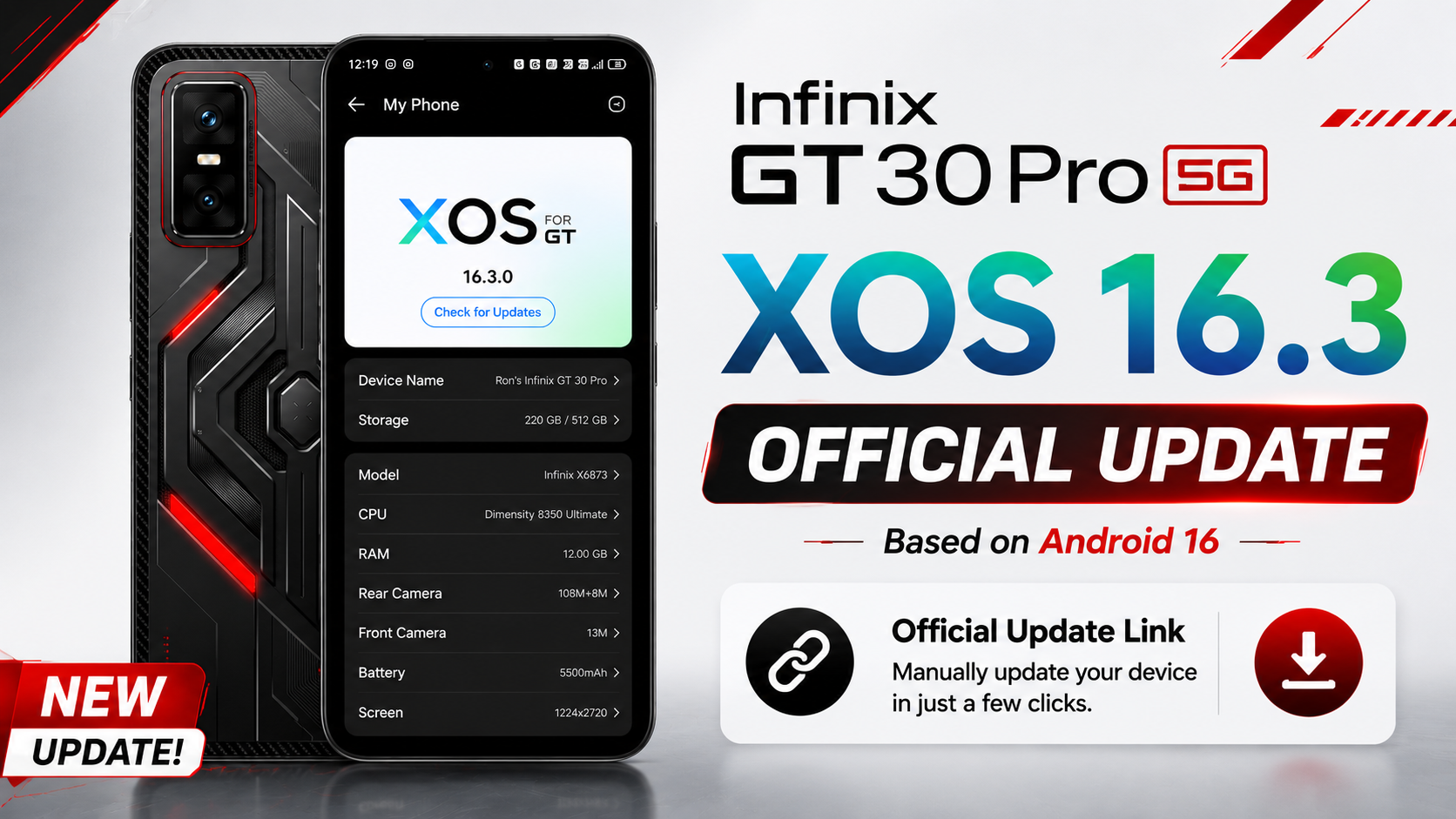
The Infinix GT 30 Pro XOS 16 Update has officially started rolling out for Global users. This latest Infinix GT 30 Pro Android 16 Update upgrades the device from Android 15 to Android 16 and XOS 15.1.2 to XOS 16.2.0. The new software brings a fresh design, improved performance, better security, new AI features, gaming enhancements, and several bug fixes to make the phone faster and smoother for everyday use.
If you own the Infinix GT 30 Pro 5G, this is one of the biggest OTA software updates released for the device. In this article, we’ll explain everything about the Infinix GT 30 Pro XOS 16 Update, including its new features, complete changelog, update size, installation steps, official OTA download link, and whether you should install the update on your phone.
Table of Contents
Infinix GT 30 Pro OTA Update Information
- Device: Infinix GT 30 Pro (Global)
- Build Number: X6873-16.2.0.135SP15 (OP006PF001AZ)
- Android Version: Android 16
- XOS Version: XOS 16.2.0
- Update Size: 8709.8 MB
- Incremental Version: 201350016
- Android Security Patch: April 1, 2026
- Build Date: April 30, 2026
- Fingerprint: Infinix/X6873-OP/Infinix-X6873:16/BP2A.250605.031.A3/201350016/release-keys
Infinix GT 30 Pro XOS 16 Update features
Infinix GT 30 Pro Ai Features Update
Upgraded AI Suggestions with more system service cards, enhanced noise cancellation for more calling scenarios, added AI Class Timetable, and optimized AI Notes, AI Writing, Dynamic Bar, and AI Search.
Infinix GT 30 Pro XOS 16 New Design
- Added the Depth-Effect Homescreen feature that lets you enable a depth effect with uploaded portrait wallpapers or built-in wallpapers, giving the home screen a more layered look.
- Supported setting live photos as live wallpapers to bring vivid moments back to life.
- Supported generating a theme that matches the style or colors of an uploaded static wallpaper.
Multi-Device Connection Feature
Fully upgraded Joy Connect, enabling services to flow seamlessly across multiple devices.
Security & Privacy
- Supported finding phones remotely even when they are offline.
- Optimized Unlock Security Protection, Privacy Password, and Dual System.
Communication
Enhanced communication in weak signal environments and optimized power consumption for hotspot sharing.
Infinix GT 30 Pro Performance update
Added faster system animations to significantly improve app launch speed, and optimized responsive scheduling and MemFusion efficiency.
More
- Fully upgraded cloud services with support for more data types and features.
- Added Esports Mode in XArena for greater spatial immersion in games.
- Added AI Voice Prompt, Smart Trigger, and Voice Broadcast in Game Assistant Panel.
- Optimized All-Scenario Bypass Charging, supporting gaming, live streaming, navigation, and more scenarios.
Camera
Upgraded the camera interface for a refreshed user experience.
Folax
- Fully upgraded Folax to deliver a smarter and richer AI experience.
- Redesigned the client interface, delivering a cleaner layout, smoother operation, and an upgraded overall user experience.
- Added support for more languages for smoother communication.
- Features may vary by OS version and device model.
Reminding:
- Optimized system stability and performance while fixing other issues.
- Visit the XClub forum for more information.
Infinix GT 30 Pro XOS 16 update download Link
Download the latest Infinix GT 30 Pro XOS 16 Local Update based on Android 16, featuring build X6873-16.2.0.135SP15, an 8.7 GB OTA package, and the April 2026 Android Security Patch.
Released on April 30, 2026, this update upgrades your device from XOS 15.1.2 to XOS 16.2.0, bringing new AI features, gaming enhancements, improved security, and smoother overall performance.
Note: This update file is shared for educational and informational purposes only. I am not responsible for any damage, data loss, software issues, or problems that may occur during or after the installation.
I always recommend waiting for the official OTA (online) update, as it is the safest way to update your device. If you still choose to install the local update manually, make sure you download the correct file for your exact device model and follow the installation steps carefully. I will also continue to provide the latest official update files here whenever new versions are released.
How to Install the Infinix GT 30 Pro XOS 16 Local Update
In this step we are discuss how do Infinix GT 30 Pro XOS 16 manually update, Installing the Infinix GT 30 Pro XOS 16 Local Update is simple, but you should follow each step carefully to avoid any problems during the installation. Before you begin, make sure your phone has at least 50% battery, enough free storage, and that you have backed up your important data.
Step 1: Download the Official Update File
Download the official Infinix GT 30 Pro XOS 16 OTA ZIP file and save it to your phone. Do not rename or extract the ZIP file.
Step 2: Move the ZIP File
Open File Manager and copy the downloaded update ZIP file to your phone’s Internal Storage (root directory).
Step 3: Enable Developer Options
Go to Settings → My Phone (About Phone) and tap the Build Number several times until you see the message “You are now a developer.”
Step 4: Open Developer Options
Now go to Settings → System → Developer Options and scroll down until you find the Local Update option.
Step 5: Select the Update Package
Tap Local Update, select the downloaded XOS 16 OTA ZIP file, and confirm the installation. The phone will verify the package before starting the update.
Step 6: Wait for the Installation
The installation process usually takes 10–20 minutes. Keep your battery above 50%, and do not restart or power off the phone during the update.
Step 7: Restart and Verify
Once the installation is complete, your phone will reboot automatically. After the first boot, go to Settings → My Phone and verify that your device is now running Android 16 with XOS 16.2.0.
Note: The Local Update option is available through Developer Options on Android 15 (XOS 15) devices. Always use the official OTA package made specifically for your exact device model to avoid installation issues.
Conclusion
The Infinix GT 30 Pro XOS 16 Update is a great update for users who want a smoother and better experience. It brings Android 16, a fresh XOS 16.2 design, new AI features, better gaming performance, improved security, and many bug fixes that make the phone feel faster and more stable.
If the update is available on your device, it is a good idea to install it. Just make sure your battery is above 50%, back up your important data, and use the official update file. After updating, you can enjoy the latest features, better performance, and a more reliable experience on your Infinix GT 30 Pro.