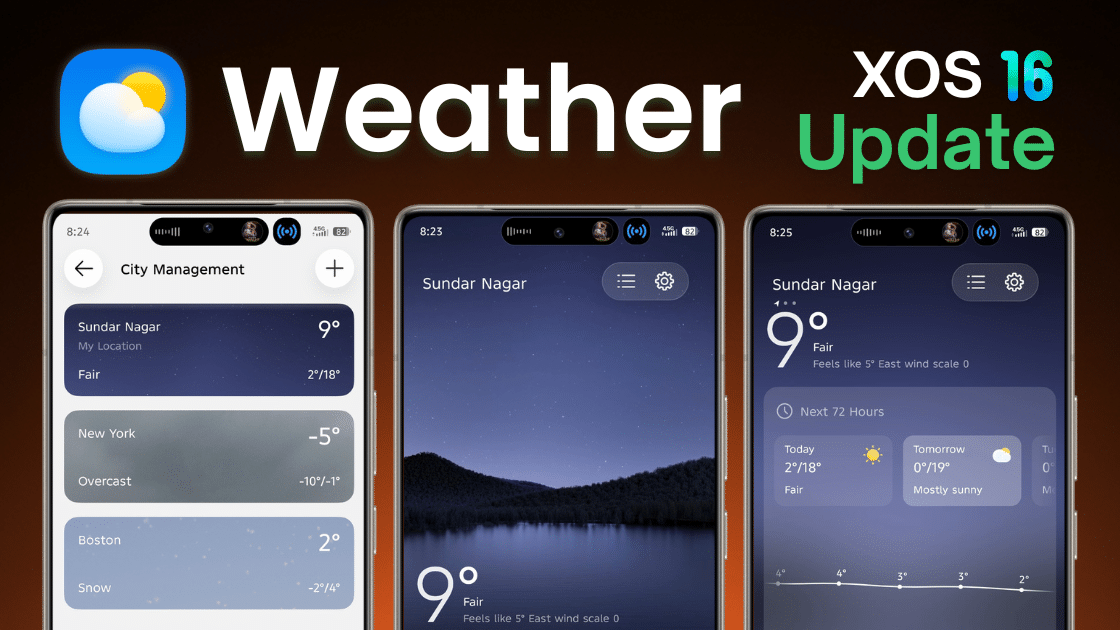
In HiOS 15 and XOS 16, system apps are getting regular updates in 2026. These updates mainly improve performance, stability, bug fixes, and UI design.The Weather app is one of the most used system apps, as it shows temperature, rain alerts, forecasts, and weather warnings.
Below is a short, clear, and step-wise guide so users can easily read, understand, and update the app without confusion.
Table of Contents
Weather App – Latest Version Details (2026)
- App Name: Weather
- Latest Version: 16.1.0.068
- Last Updated: 19/01/2026
- Supported Devices: Tecno & Infinix smartphones
- Based On: HiOS 16 & XOS 16
What’s New in This Update?
- New Liquid UI update
- Smoother animations
- Faster weather refresh
- Improved location accuracy
- Bug fixes and reduced lag
Download Options
1. Official Method (Recommended)
- Available from system app update section
- Safe and stable
- Sometimes downloads as ZIP, unzip to get APK
2. Manual / GDrive Method
- Only if update is not showing officially
- Use trusted source only
Always try the official method first. but it takes much time.
Steps to Install Weather App Update (Official Method)
- Open Settings
- Go to Apps
- Tap App Updates
- Check available updates
- Find Weather
- Tap Update
- Wait till installation finishes
Another way and safe way is Software Update.
If Weather App Update Is Not Showing
- Download the Weather app APK from trusted source
- Tap Install
- Wait for installation to complete
Steps to Install Weather App Update (Manual Method)
- Download the update file
- Install it normally
- Restart your phone (recommended)
Restart helps avoid refresh and UI issues.
Before Updating (Important)
On some older Tecno or Infinix phones, the new version may:
- App Crash
- Mobile Lag
- App not Install
- App not Support
How to Uninstall Weather App Update (Recommended if Issue Occurs)
- Open Settings
- Go to Apps
- Select Weather
- Tap Uninstall Updates
- Confirm
✔️ App will return to previous stable version.
If Weather App Is Not Working After Update
Try this order:
- Clear app cache
- Restart phone
- Check for bug-fix update
If still not working:
- Your device may not support the update
- Uninstall the update and wait for official fix
Final Words
Update the Weather app only when needed and always use official methods.
If any problem occurs, uninstall the update and wait for official support.
Simple steps + smart updating = smooth and accurate weather experience.