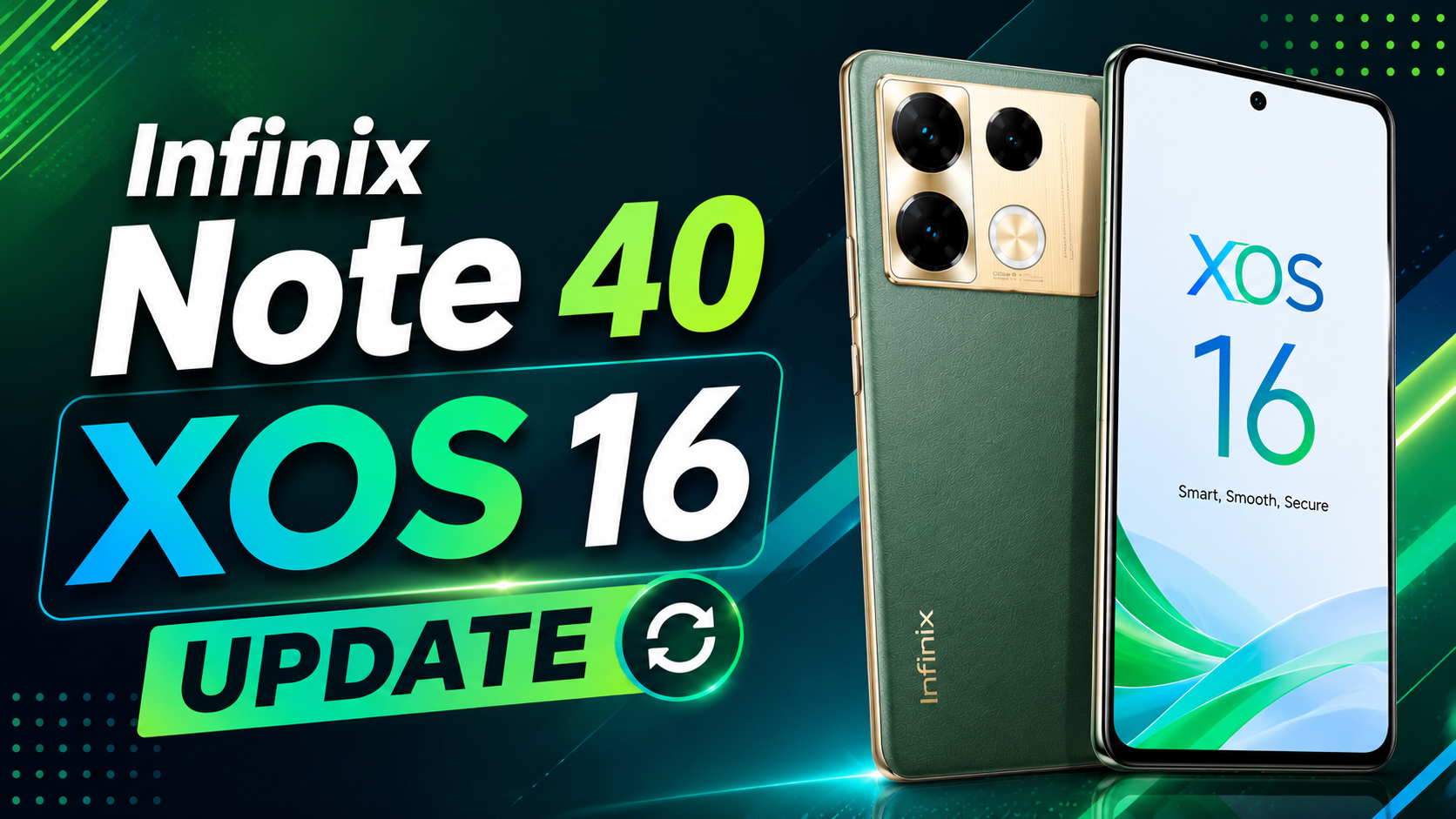
The Infinix Note 40 XOS 16 Update has officially started rolling out for the Infinix Note 40 (X6851). The latest software is based on Android 16 and brings several new AI features, smoother animations, better gaming performance, improved security, and camera upgrades.
The new firmware version is X6851-16.3.0.130SP08(OP003PF001AZ). If you own the Infinix Note 40, here’s everything you need to know about the Infinix Note 40 XOS 16 update release date, download process, and new features.
Table of Contents
Infinix Note 40 XOS 16 Update Details
| Details | Information |
|---|---|
| Device | Infinix Note 40 |
| Model | X6851 |
| Android Version | Android 16 |
| XOS Version | XOS 16.3.0 |
| Firmware Version | X6851-16.3.0.130SP08(OP003PF001AZ) |
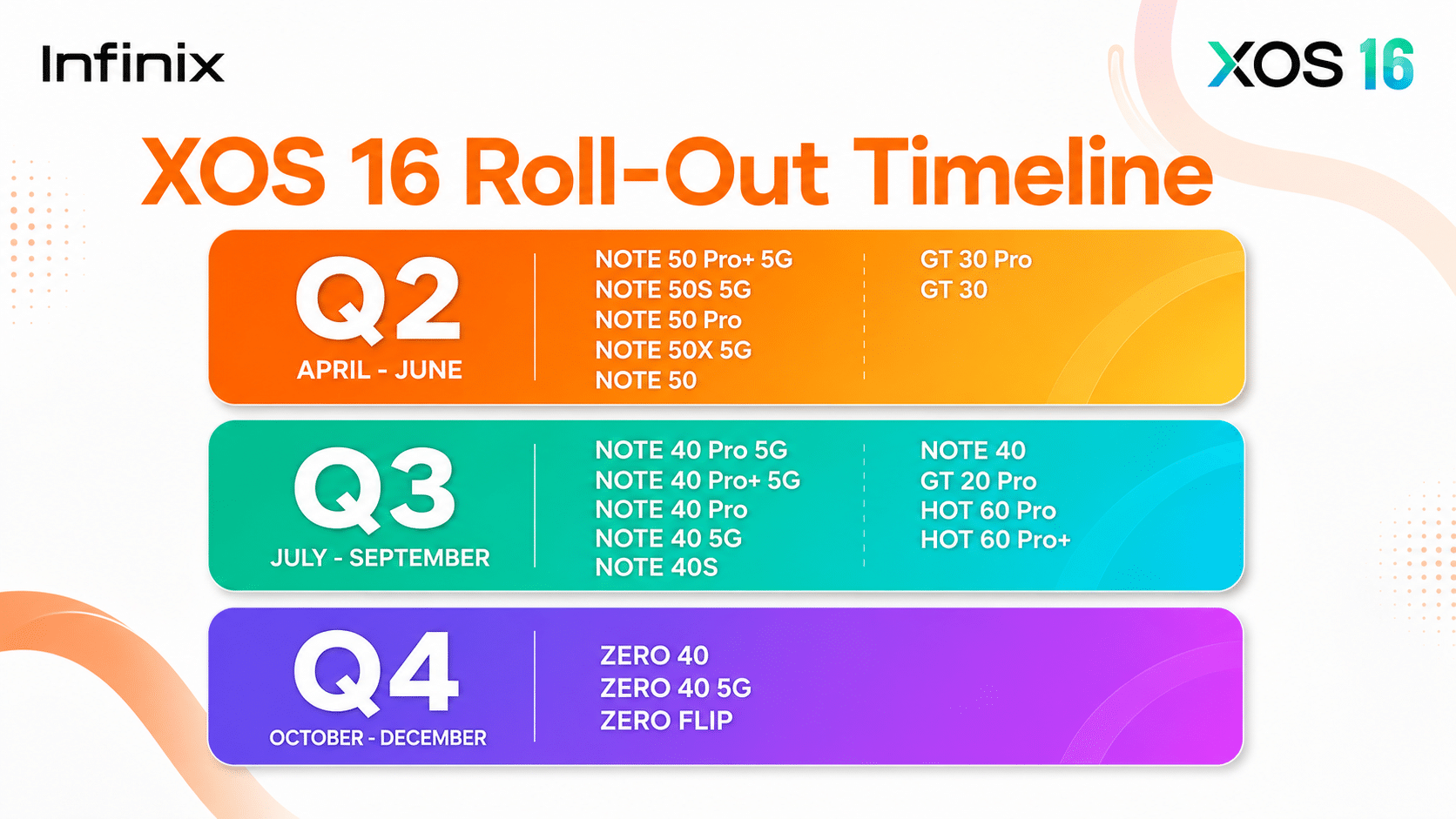
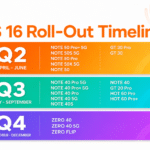
| Release Date | June – Auguest |
| Rollout | OTA Update |
What’s New in the Infinix Note 40 XOS 16 Update?
The latest update upgrades the phone from Android 15 (XOS 15.1.2) to Android 16 with XOS 16.3.0. Along with Google’s latest Android version, Infinix has added useful AI tools, better privacy, smoother performance, and a refreshed design.
New AI Features
The Infinix Note 40 XOS 16 update introduces several AI-powered tools.
- AI Class Timetable can scan a timetable photo and create your class schedule with reminders.
- AI Email Assistant helps write emails, improve text, and suggest smart replies.
- AI Search now supports natural language, fuzzy search, cross-language search, and smart auto-complete for faster results.
Lock Screen and Home Screen Improvements
XOS 16 brings more personalization options than before.
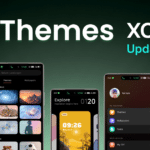
You can now customize the lock screen with different clock styles, wallpaper extension, and depth effects. The Always-On Display also transitions more smoothly to the lock screen.
The Home Screen now supports Depth Effect Wallpapers, smoother unlocking animations, and faster app opening animations.
Gaming Features
Gamers will benefit from the new All-Scenario Bypass Charging feature. While gaming, live streaming, or using navigation during charging, power is supplied directly to the device instead of the battery. This helps reduce heating and improves battery health.
Better Security and Privacy
The update also improves device security.
New features include:
- Payment Protection for banking apps
- Privacy Password support
- Extra verification before changing fingerprint or Face Unlock
- Improved Dual System with contact and settings synchronization
Faster Performance and Better Battery
TRANSSION has optimized the system to deliver a smoother experience.
The update includes:
- Faster app launches
- Better multitasking
- Smoother animations
- Improved CPU scheduling
- Lower power consumption
- Longer battery life
- Better performance during heavy usage
Cloud services have also been upgraded with support for more data types.
Camera Improvements
The camera app has been upgraded to Camera UI 5.0.
Other improvements include:
- Better QR code scanning
- Multiple portrait focal lengths
- New Vlog Mode
- Improved overall camera experience
Other New Features
The Infinix Note 40 Android 16 update also brings:
- Redesigned Control Center
- Improved Notification Center
- Live Photo Wallpapers
- Better memory optimization
- Smoother status bar animations
- Faster system response
How to Download the Infinix Note 40 XOS 16 Update
To install the latest update:
- Open Settings.
- Tap System.
- Select Software Update.
- Tap Check for Updates.
- Download and install the OTA update.
Before updating, make sure your phone has at least 50% battery or connect it to a charger.
Should You Install the Infinix Note 40 XOS 16 Update?
Yes. If the update is available for your device, it is recommended to install it. Besides Android 16, you get smarter AI features, better gaming performance, stronger security, improved battery optimization, smoother animations, and an upgraded camera experience.
FAQs
Is the Infinix Note 40 XOS 16 update released?
Yes. The Infinix Note 40 XOS 16 update officially started rolling out start on July mont.
What is the Infinix Note 40 XOS 16 update release date?
The official release date is July to September but there is no perticular date.
When will the Infinix Note 40 XOS 16 update arrive in India?
The rollout is happening in phases. Indian users may receive the OTA update over the next few days or weeks.
How do I download the Infinix Note 40 XOS 16 update?
Go to Settings → System → Software Update → Check for Updates and install the OTA package if available.
Is the Infinix Note 40 Android 16 update available?
Yes. Android 16 is now rolling out for the Infinix Note 40 with XOS 16.3.0.
What are the main features of the Infinix Note 40 XOS 16 update?
The update includes AI Class Timetable, AI Email Assistant, AI Search, Depth Effect Wallpapers, Camera UI 5.0, Vlog Mode, Live Photo Wallpapers, Bypass Charging, Payment Protection, smoother animations, better battery optimization, and Android 16.